Learn how to create a social media QR code that links customers to Instagram, TikTok, Facebook & more. Get setup steps, design tips, and CTA best practices.
Social Media QR Code: How to Create & Use One
A social media QR code gives customers a faster way to find and interact with your brand online. Instead of typing a username or searching through multiple accounts, people can scan the code and go directly to an Instagram profile, TikTok account, Facebook page, YouTube channel, LinkedIn profile, or another social destination.
For businesses and creators, this creates a simple connection between physical marketing and social media. A QR code can turn a business card, product package, restaurant menu, poster, storefront, or event display into an opportunity to gain followers and encourage online engagement.
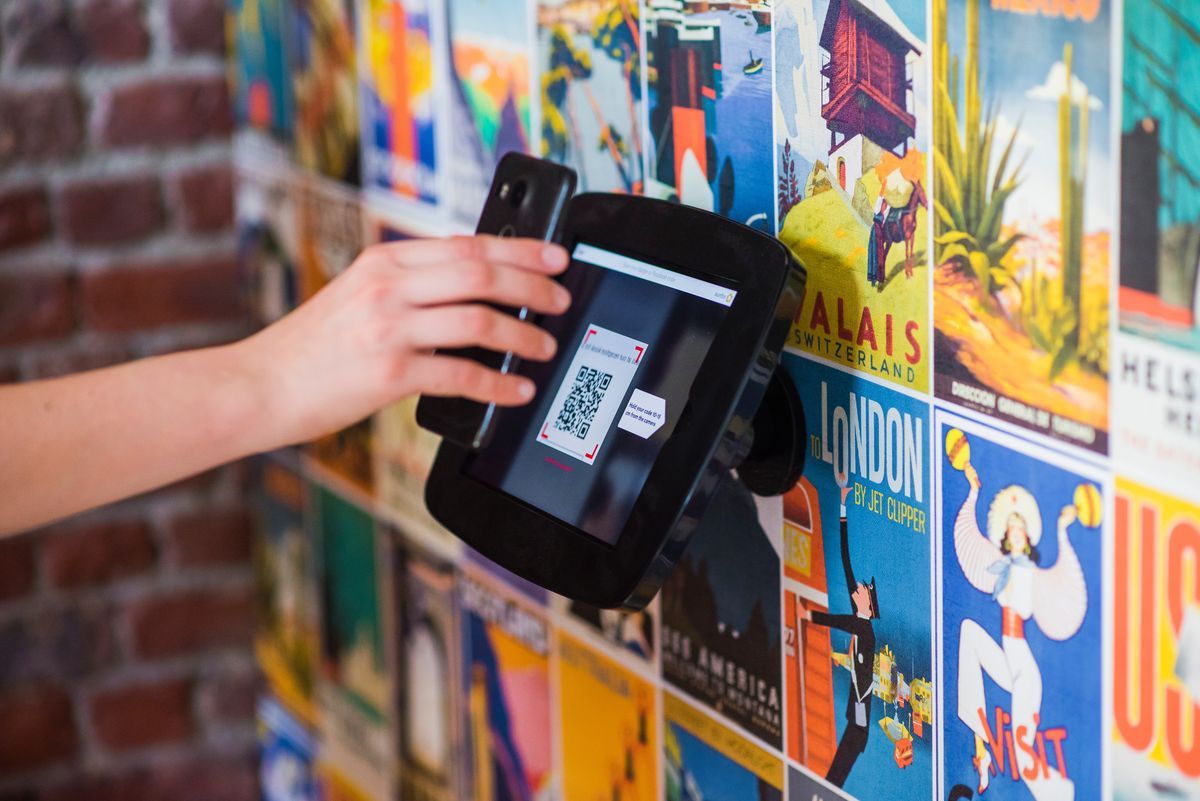
Scanning a QR code to visit a social media page - Source: Pinterest
What Is a Social Media QR Code?
A social media QR code is a scannable code that directs users to a social media destination. Depending on your goal, the destination can be a profile, page, post, video, channel, or messaging account.
The main benefit is convenience. Customers do not have to remember your username or spend time searching for the correct account. One scan takes them directly to the page you want them to visit.
For example, a clothing brand can place a QR code on product packaging and send customers to its Instagram profile. A restaurant can add one to its menu and invite diners to follow its social account. A creator can place a QR code on a business card to direct potential clients to a TikTok profile, YouTube channel, or LinkedIn page. A social media QR code can also work as a bridge between several platforms. Instead of printing multiple QR codes, businesses can direct visitors to a mobile friendly page containing their most important social accounts.
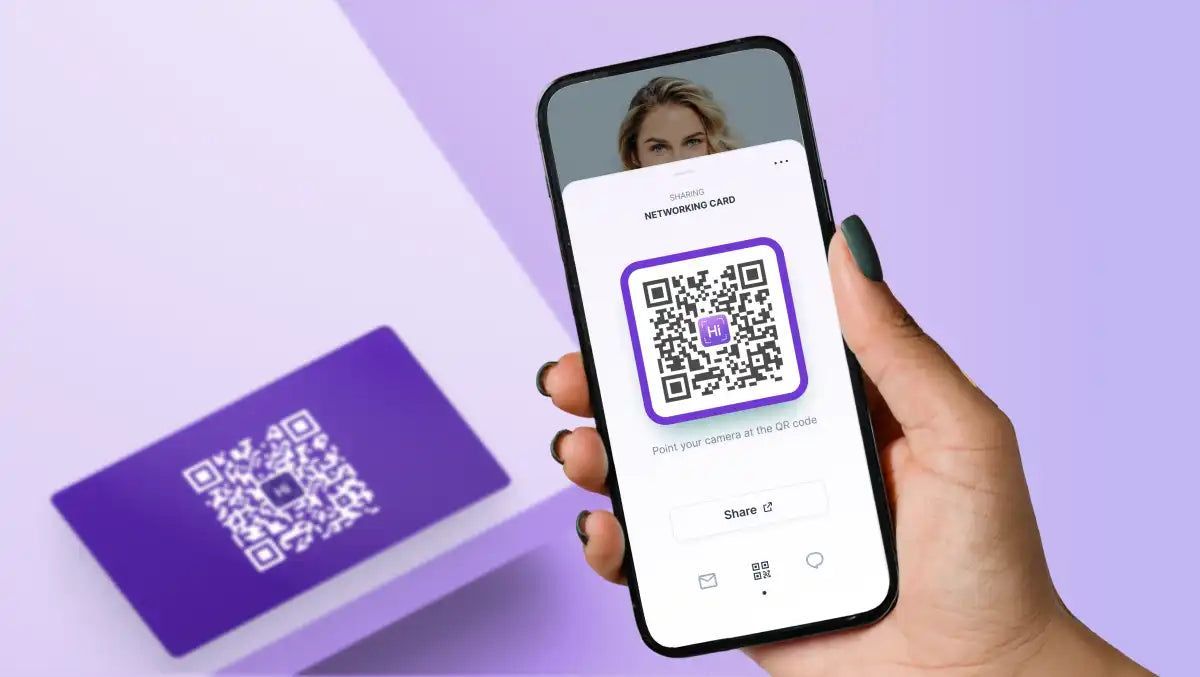
A digital business card QR code linking directly to a social profile - Source: Pinterest
Why Use a QR Code for Social Media Marketing?
The biggest advantage of a social media QR code is that it removes friction. When customers see your brand offline, they may be interested but unwilling to type a long username or search through similar accounts. A quick scan gives them a direct route to your social profile.
This is especially useful in stores and other physical locations. Customers may have a few moments while waiting for an order, browsing products, or attending an event. A well placed QR code can turn that idle time into an opportunity to connect with your brand.
QR codes can support several social media goals. You can use them to increase followers, promote a specific post or video, encourage customers to send a message, or introduce people to your wider social presence. QRCode GEN's guide to in store QR codes also focuses on reducing the friction between seeing a brand and following its social media account.
The call to action is important. Instead of displaying a QR code with no explanation, tell visitors what they will get after scanning. A phrase such as “Follow us on Instagram” is more useful than simply writing “Scan QR Code.” If the destination is a video, use a CTA such as “Watch the Latest Video.” If the destination is a messaging channel, “Message Us” makes the purpose immediately clear.
Social media QR codes can also become part of a broader marketing campaign. They can connect posters, packaging, events, videos, and other physical or digital touchpoints with a specific online action. QRCode GEN's marketing guide highlights social networks such as Facebook, Instagram, and TikTok as practical places to use QR codes for increasing engagement and encouraging immediate action.
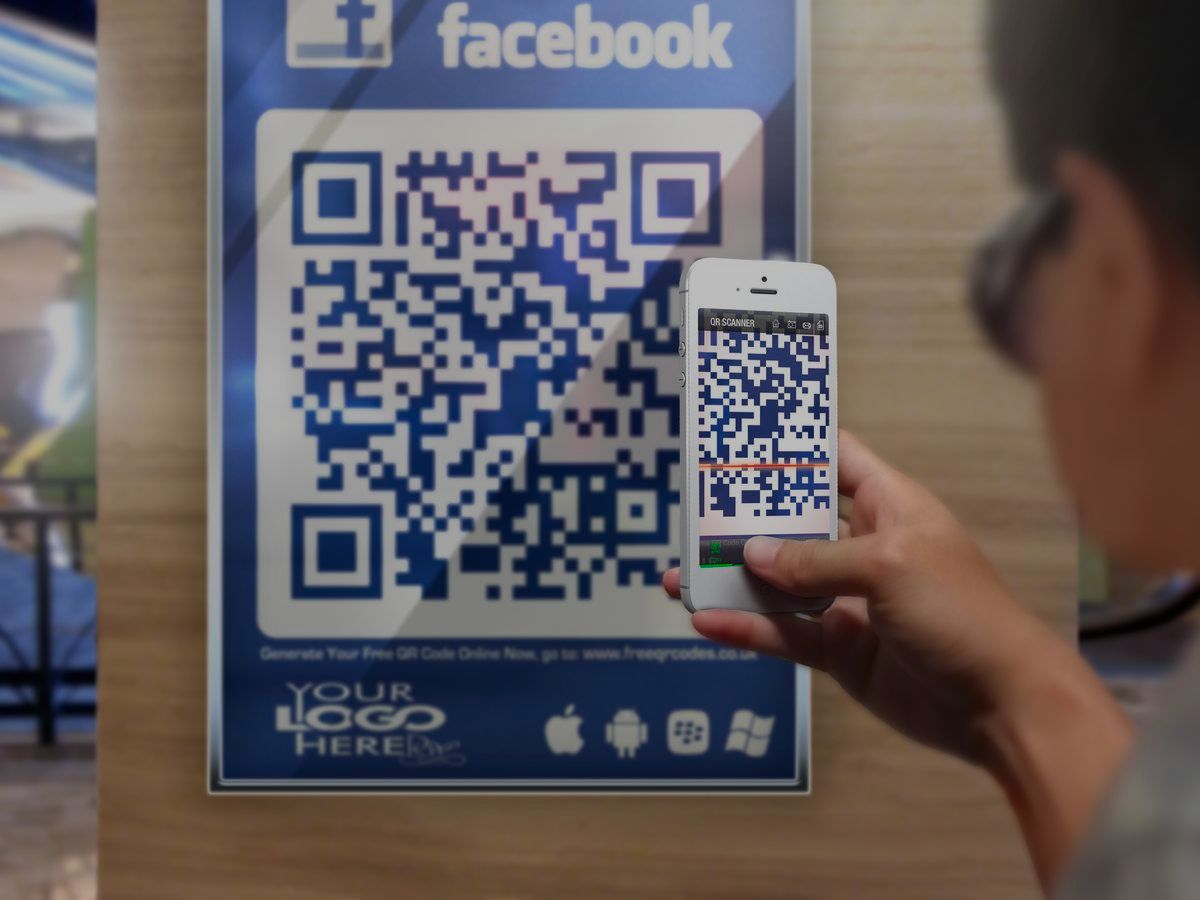
Scanning a poster QR code to follow on Facebook - Source: Pinterest
>>> Read more: The Secret to Boosting Your Social Media Following with In Store QR Codes
How to Create a Social Media QR Code
Creating a social media QR code starts with choosing the right destination. Before generating the code, decide what you want customers to do after scanning.
First, choose the social platform you want to promote. This could be Instagram, Facebook, TikTok, YouTube, LinkedIn, WhatsApp, Telegram, or another platform with a suitable public URL.
Next, copy the correct URL. If you want to build long term engagement, a public profile or channel is usually a reliable destination. For a short campaign, you can instead link to a specific post, video, promotion, or event.
You should also decide whether a static or dynamic QR code is appropriate. A static QR code works well when the destination is stable and unlikely to change. A dynamic QR code is more suitable when you may need to update the destination later or want to monitor scan activity.
After entering the destination, generate the QR code and customize it if necessary. You can incorporate your brand style, but avoid excessive decoration that makes the code difficult to scan. Strong contrast and sufficient empty space around the code should remain a priority.
Finally, test the code before publishing it. Scan it with different phones and check the destination while logged out. If the QR code will be printed, test the actual printed version as well. A code that works perfectly on a computer screen may be too small or unclear when printed on a physical item.
The destination should also match the lifespan of your marketing material. A permanent business card is better suited to a stable profile, while a temporary poster can point to a campaign specific post or promotion.
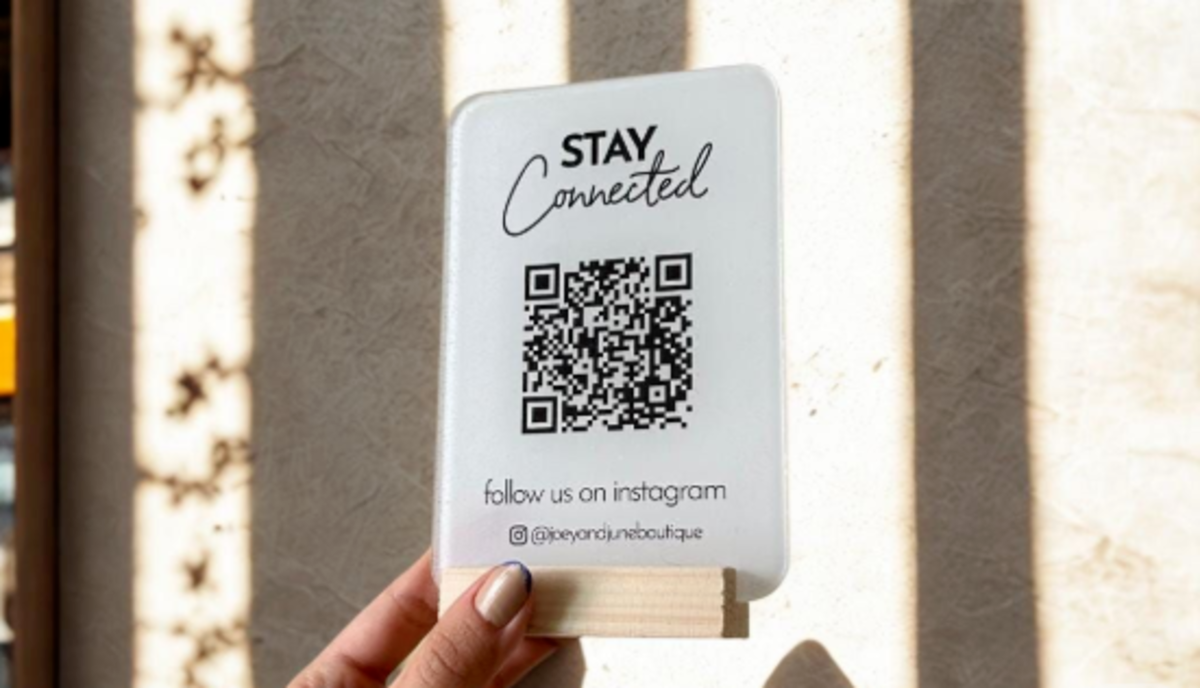
A branded QR code stand inviting customers to follow on Instagram - Source: Pinterest
>>> Read more: How to Integrate QR Codes Into Every Marketing Campaign
Where to Use a Social Media QR Code
Social media QR codes work particularly well at physical touchpoints where customers already have a reason to interact with your brand.
- Business cards are one of the simplest examples. Instead of filling the card with several social usernames, you can use a QR code to send contacts to your main professional profile or a page containing multiple social accounts.
- Product packaging can also be valuable because the customer interacts with it after making a purchase. A QR code could lead to your Instagram profile, product tutorials, behind the scenes content, community, or other useful social content.
- Restaurants can place social media QR codes on menus, receipts, takeaway packaging, or displays near the entrance. Customers who have already experienced the brand may be more likely to follow the account when the next step is easy.
- Posters, flyers, and storefront displays can turn offline attention into online engagement. The QR code should be positioned where people can comfortably see and scan it rather than being hidden among too many design elements.
- Events and trade shows provide another strong use case. A QR code can give visitors a quick way to connect with a company on LinkedIn, Instagram, TikTok, or another platform without manually searching for the account.
The placement should always match the customer's situation. Someone standing at a checkout counter has a different amount of time and attention than someone walking past a billboard. Choosing a practical touchpoint and making the scanning action obvious can have a major effect on engagement.
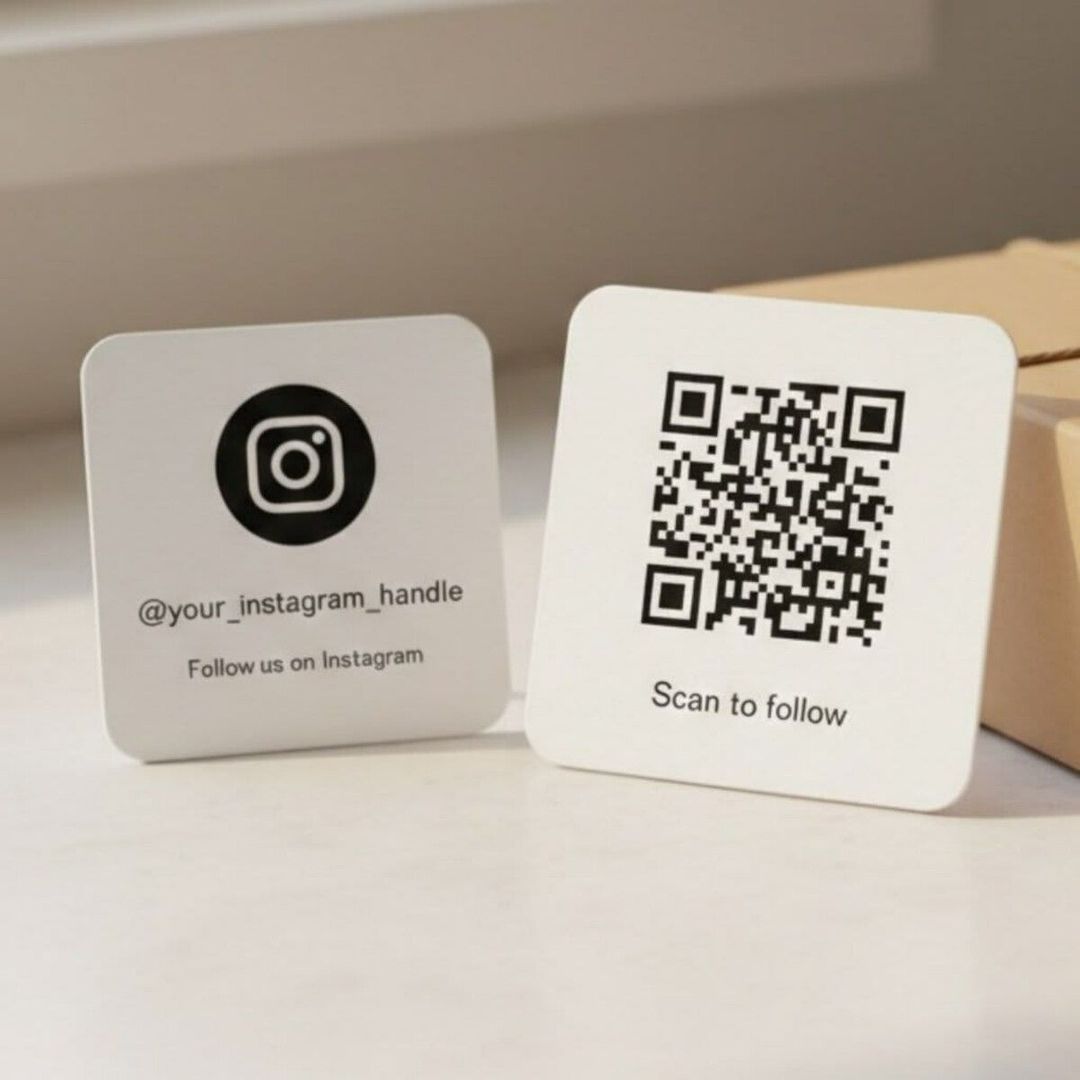
A tabletop display card with a QR code inviting customers to follow - Source: Pinterest
FAQ
Can a social media QR code work without the social media app installed?
Often, yes. If the destination is publicly accessible, it may open through a mobile browser even when the corresponding app is not installed. The exact experience depends on the social platform and the access settings of the destination.
Can I use a social media QR code for customer support?
Yes. A QR code can direct customers to a supported messaging channel instead of a public social profile. This can make it easier for customers to start a conversation without searching for your account or contact details.
Can I put a social media QR code on clothing or merchandise?
Yes. QR codes can be printed on items such as T shirts, stickers, tote bags, and other promotional materials. The most important considerations are print quality, sufficient size, strong contrast, and a destination that gives people a clear reason to scan.
How can I know which physical location generates the most scans?
Use separate QR codes for different placements when measurement is important. For example, you can use different codes for packaging, business cards, and event displays and compare their scan activity. This can help identify which offline touchpoints contribute the most engagement.
Final Thoughts
A social media QR code is most effective when it makes the next step obvious and convenient. Choose a relevant destination, pair the code with a clear CTA, place it where customers naturally have a reason to scan, and test the complete experience before publishing it.
For businesses and creators looking for a practical way to create branded QR codes for social media and other marketing purposes, QRCode GEN provides tools for generating and customizing QR codes. The right combination of destination, placement, and messaging can turn a simple scan into a meaningful social media interaction.
Your Next Customer Is One Scan Away
Turn every business card, product package, menu, and poster into a new follower or customer. With QRCode GEN, you can create a custom, branded social media QR code in seconds. No design skills required.