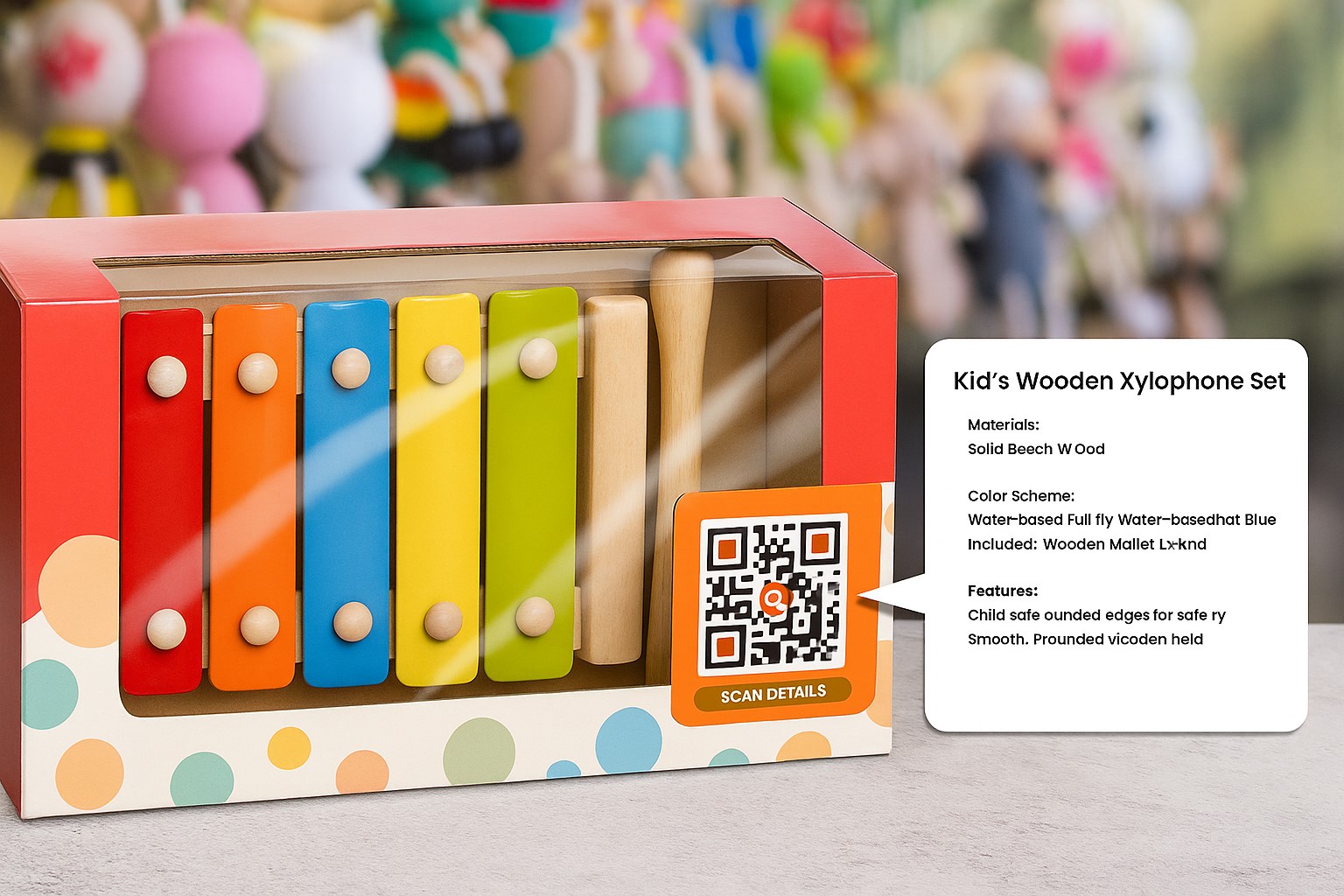
A QR code on toy packaging can do more than point to a website. It can replace printed instructions, connect families with digital content, support product authentication, and direct customers to online offers. Here are practical ways toy brands can use QR codes across marketing, customer support, and operations.
Benefits of Using QR Codes on Toys
Adding QR codes to toy products offers practical benefits for both businesses and consumers:
Lower printing costs: Instead of including paper manuals, brands can link to digital instructions that are easy to update.
Stronger engagement: Manufacturers can connect physical products to digital content, including videos, games, and rewards.
Anti-counterfeiting and product verification: Customers can scan a code to check official product information, helping build trust.
A direct customer support channel: QR codes can connect brands with parents through useful information, advice, reviews, and more.
Behavioral data collection: Scan counts can help brands better understand customer behavior.
9 Creative Ways to Use QR Codes on Toys
1. Replace printed instructions with digital guides
When children open a toy box, a QR code can take them to a video tutorial, which may be easier for parents and children to follow than a printed instruction sheet.
2. Offer bonus content and surprise rewards
Link the code to mini-games, collectible badges, or related animations to make playtime more engaging and keep customers interested for longer.
3. Track customer engagement
Each scan can record user information, location, and time of use, helping brands refine marketing strategies and improve products.
4. Prevent counterfeiting and verify products
Assign a unique QR code to each product and link it to an authentication system, allowing customers to check whether the product is genuine.
5. Give parents useful resources
QR codes can lead to blogs, podcasts, or videos that help parents teach and bond with their children, adding value to the product experience.
6. Turn toys into data-driven learning tools
Combine QR codes with online educational games, such as quizzes, interactive stories, and thinking exercises designed for different age groups, turning toys into smarter learning tools.
7. Enhance real-world experiences
A QR code can connect to AR or VR technology, turning a doll into a talking 3D character or recreating a robot battlefield in ways traditional toys cannot.
8. Make every toy a marketing channel
Adding a QR code can turn each toy into a marketing touchpoint.
Use the scan experience to invite customers to follow your brand on social media, subscribe to newsletters, or preview upcoming products. A social media QR code is a natural option when the destination is a brand profile, page, or channel.
For example, scanning the code on a figurine could open a video introducing the next character in the series.
You can also create a mini-game that challenges players to post with a hashtag on social channels, helping the game and brand spread organically.
9. Drive sales for online toy stores
Each product can link directly to an online store where customers can order the next item in a series or purchase related accessories.
Placing a QR code on packaging can also direct customers to an exclusive online collection and support e-commerce activity.
How to Use QR Codes in Manufacturing: 3 Practical Ideas
QR codes are useful beyond marketing. They can also support production and operational processes:
1. Inventory management
Adding QR codes to each toy box allows staff to scan items during inventory instead of entering information manually, saving time and reducing errors.
2. Equipment maintenance
QR codes on toy manufacturing equipment can link to maintenance schedules and repair guides, helping extend equipment life and reduce downtime.
3. Quality assurance
Use QR codes to record batch numbers, production dates, and quality checks in the system, making errors easier to trace and improving transparency.
How to Create Personalized QR Codes
To create professional, personalized, and user-friendly QR codes, follow these three steps:
Step 1: Choose a specialized QR code generator
Start with a QR code generator such as qrcode-gen.com. If you are directing customers to a product page, video, or online store, create a website QR code and enter the destination link.
Step 2: Customize the color, logo, and call to action
Use brand colors.
Add your logo to the center of the QR code.
Add a frame with a message such as “Scan to receive a gift” or “Watch video” to encourage scans.
Step 3: Track and update links
Use dynamic QR codes to update content after printing.
Connect Google Analytics or another measurement platform to track user behavior.
QR codes on toys show how physical products can connect with digital experiences. Their uses range from marketing and customer support to manufacturing operations, giving brands and customers new ways to interact with each product.
Rather than using QR codes only as links, toy brands can use them to create connections, inspire customers, and support business growth.