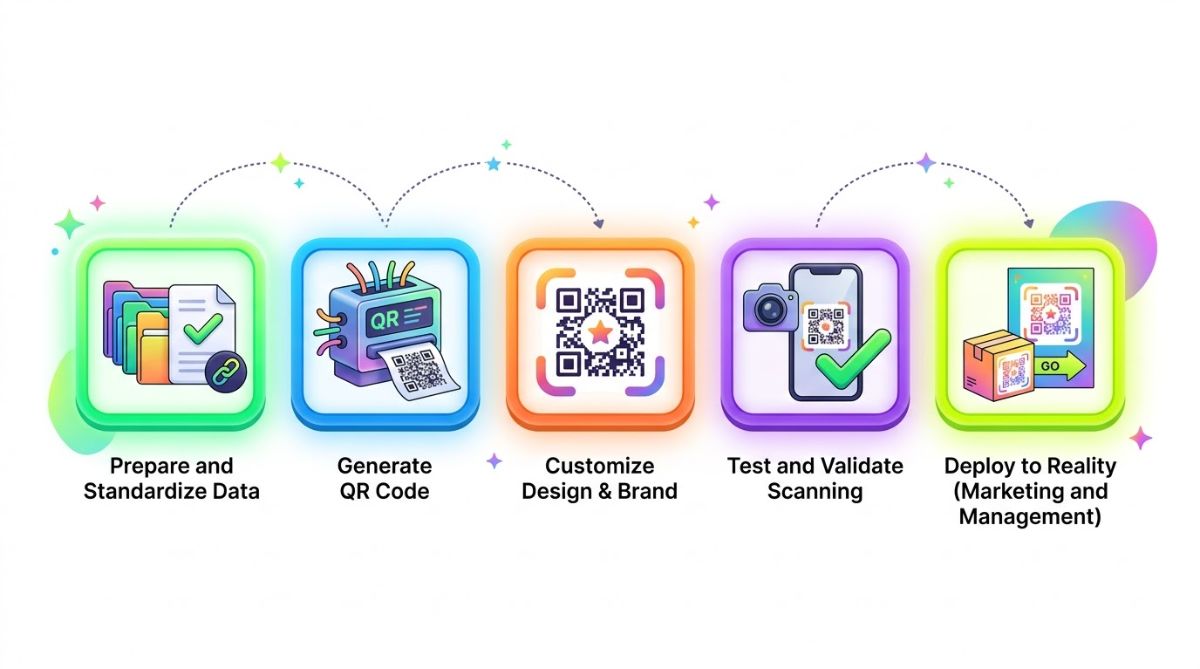
The Professional QR Code Deployment Playbook: How to Ensure Reliable Scanning
A QR code that fails to scan can cost you a conversion and undermine trust in your brand. Whether you use QR codes for marketing, contactless payments, or operational workflows, reliable performance requires more than generating and printing a code. This playbook covers the quality checks that help ensure every QR code works as intended for your customers.
1. Match the QR Code Type to the Intended Action
Before you begin designing, align the code format with the action you want users to take. Are you sending visitors to a landing page, sharing a digital business card, or giving them instant Wi-Fi access? Each use case requires the right data structure.
One common mistake is using a static URL for a campaign that may need updates later. For professional marketing campaigns, dynamic QR codes let you change the destination without reprinting physical materials. Ask one essential question: does this code type create the fastest, clearest path to the intended action?
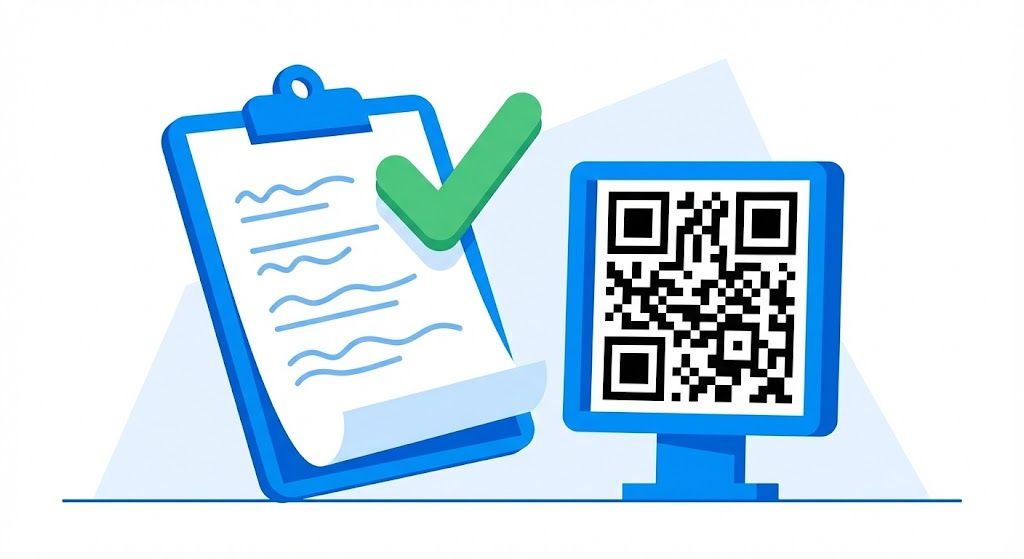
2. Check the Mobile Experience After the Scan
Scanning is only the first step. If the code leads to a non-responsive website or a difficult-to-read PDF, the experience breaks down. Everything embedded in or linked from the code should be optimized for mobile.
Check load times and navigation, and make sure users can complete the intended action easily. If you are sharing contact details, a vCard QR code should be formatted so users can save the contact in a single tap. Test the destination on multiple mobile browsers, including Chrome, Safari, and Samsung Internet; this is a non-negotiable part of the review process.

3. Balance Brand Design and Scanability
Brand colors and logos can make a QR code more recognizable, but excessive customization can interfere with scanning. High contrast remains the most important design rule: the foreground dots should be substantially darker than the background.
When placing a logo in the center, make sure it does not cover the finder patterns—the large squares in the corners. A professional design review also confirms that the error correction level is high enough to accommodate a logo overlay without slowing or compromising scans. Use a custom QR design only when the visual treatment preserves the code's technical integrity.
4. Use the Right Resolution and Export Format
A blurry QR code is difficult or impossible to scan. Standard resolution may be sufficient for digital use, but print materials such as billboards, packaging, and business cards require high-resolution assets.
For large-format printing, download the QR code in a vector format such as SVG or EPS to prevent pixelation. If you use a raster format such as PNG, make sure the DPI is high enough—at least 300 DPI—to keep the data modules sharp.

5. Run Real-World Stress Tests
A technically perfect digital file may not perform the same way in the physical environment. Test the code where it will actually be displayed.
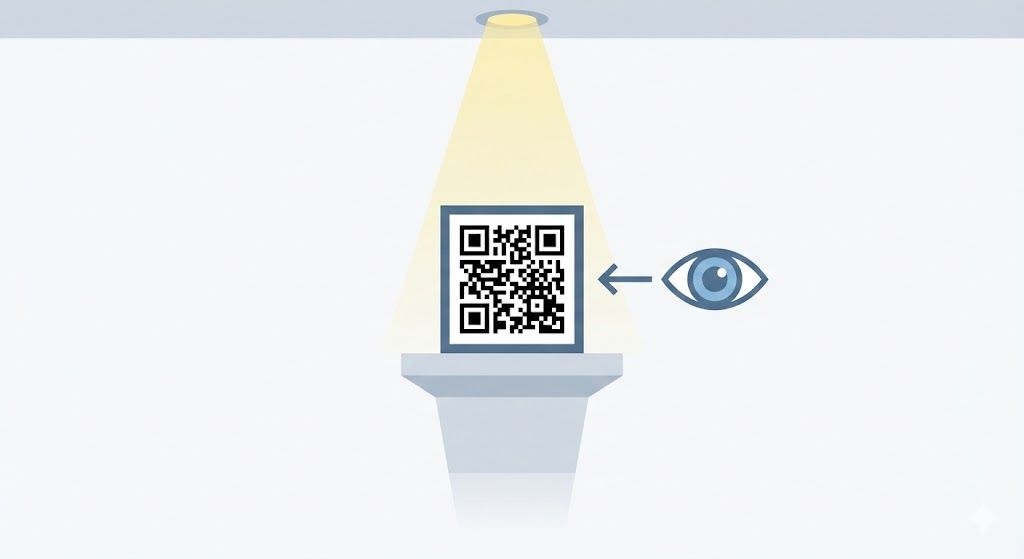
- Lighting: Does it scan under harsh fluorescent lighting and in dim conditions?
- Distance: Can someone scan it comfortably from a normal standing distance?
- Hardware: Test with both a current iPhone and older Android models to check broad compatibility.

6. Plan Placement and Add a Clear CTA
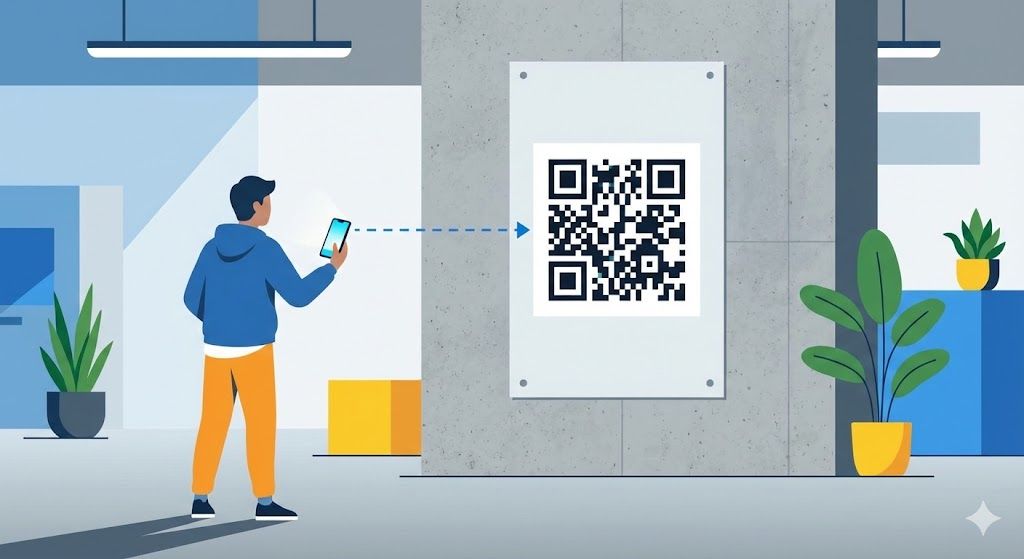
Placement matters as much as the code itself. Avoid curved surfaces, tight corners, and reflective glass, where distortion or glare can prevent a camera from reading the code.
Never publish a QR code without context. Add a clear call to action and a brief instruction, such as “Scan to View Menu” or “Scan for 20% Off.” People need a clear reason to take out their phone and scan.
7. Choose a Reliable QR Code Generator
Your QR code's reliability also depends on the platform used to create it. Choose a tool that supports the code types you need, offers flexible customization, provides high-quality downloads, and handles links reliably.
For businesses that need a streamlined professional workflow, Qrcode-gen supports major QR code types and provides crisp final assets for digital ads, print materials, and other media.

8. Complete a Final Pre-Launch Review
Before sending artwork to print or launching a digital campaign, check the destination one final time. Spending five minutes verifying the link is far less costly than recalling thousands of brochures because of a URL typo.
A disciplined deployment process turns a QR code from a simple utility into a dependable marketing asset. Reliable digital-to-physical experiences come from technical precision, thoughtful design, and thorough testing.