Still reprinting your menu every time you change a price? See how a digital QR code menu solves that in seconds.
Digital Menu QR Code for Restaurants: Complete Guide
A digital menu QR code restaurant solution gives customers a faster way to browse dishes while making menu management easier. Instead of printing a new menu every time a price changes or a dish is added, restaurants can keep one QR code on each table and update the digital menu online.
For small restaurants, cafés, food shops, and other businesses that change their offerings regularly, this can be a practical alternative to traditional printed menus. With Nine Menu, you can create a digital menu with dish names, prices, descriptions, and images, then let customers access it by scanning a QR code.
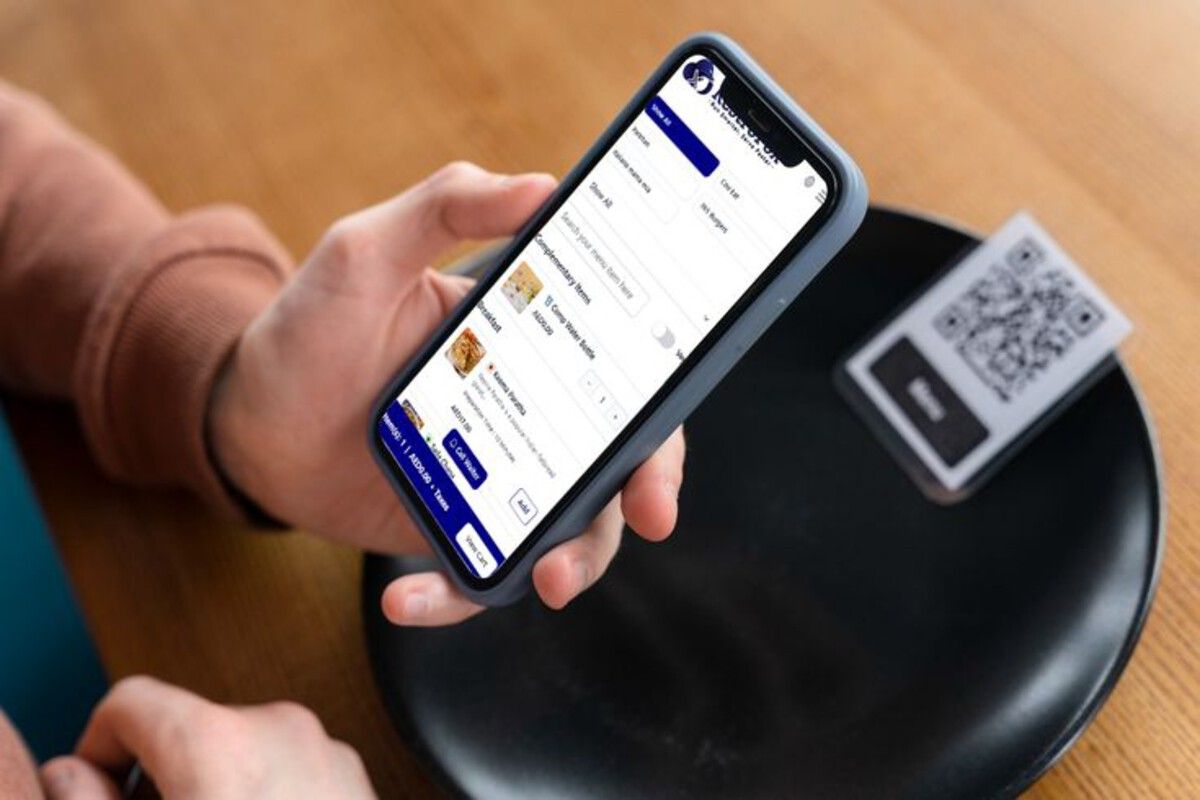
Customer scanning restaurant QR code menu - Source: Pinterest
What Is a Digital Menu QR Code for a Restaurant?
A digital menu QR code connects a printed QR code to an online restaurant menu. Customers simply scan the code with their smartphone camera to open the menu without waiting for a physical copy.
The QR code itself doesn’t need to contain all of your menu information. Instead, it directs customers to the digital menu, which means the content behind the code can be managed separately. This is especially useful when your restaurant regularly changes prices, introduces seasonal dishes, removes unavailable items, or runs short-term promotions.
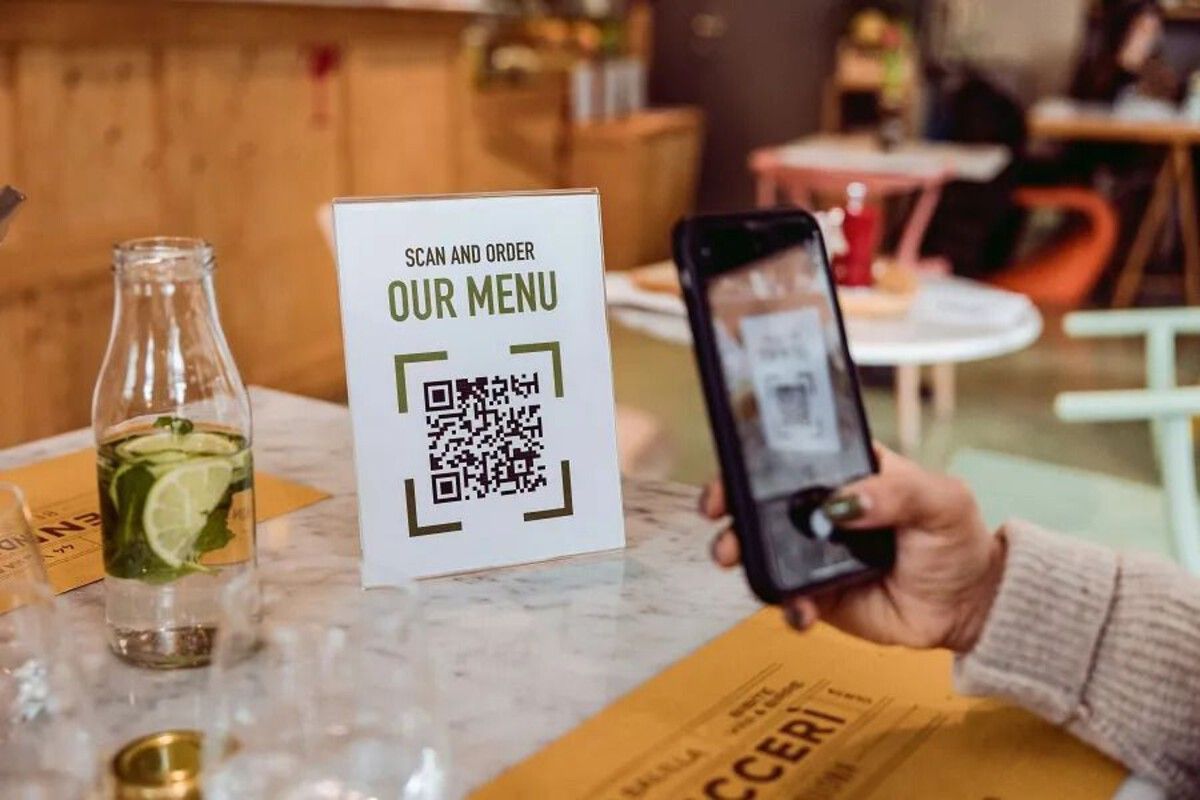
Scan-to-order QR code menu stand on table - Source: Pinterest
Why Restaurants Are Switching to QR Code Menus
Traditional menus can become inconvenient when information changes frequently. A price adjustment may mean replacing multiple printed menus, while a new dish may require another round of design and printing.
A digital menu solves this problem by separating the QR code from the menu content. Once the code has been placed on tables, signs, takeaway packaging, or promotional materials, you can continue managing the menu online.
Some of the main advantages include:
- Easier menu updates: Change dish names, prices, descriptions, or availability online.
- Lower printing needs: You do not have to redesign and reprint the entire menu for every small change.
- Better mobile access: Customers can open the menu directly on their smartphones.
- More flexible presentation: Add food photos and organize dishes into clear categories.
- Simple sharing: The digital menu can also be shared through a link on social media or messaging platforms.
- Multilingual support: A digital menu can be useful for restaurants serving international visitors.
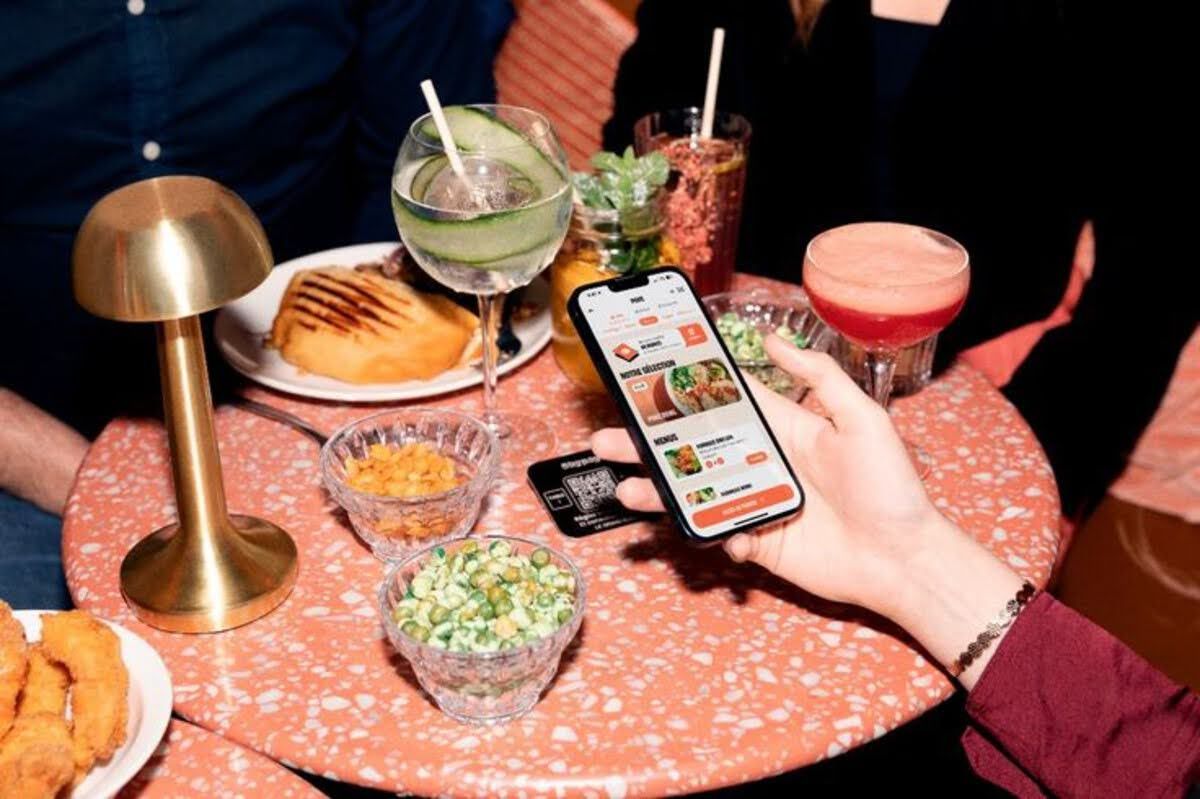
Guest browsing digital menu at table - Source: Pinterest
Meet Nine Menu: A Simple Digital Menu Solution
Nine Menu is designed for restaurants, cafés, and food businesses that want a straightforward way to put their menu online. Rather than creating a complicated website from scratch, restaurant owners can organize their dishes in a digital format and connect that menu to a QR code. You can add essential information such as dish names, prices, descriptions, categories, and images. This gives customers a convenient way to browse the menu from their phones.
The key advantage is flexibility. If a dish changes or a price needs to be adjusted, you can update the digital menu instead of creating a completely new printed version. If you are looking for a simple way to start creating QR codes and digital content for your business, you can explore QRCode GEN's QR code tools.
>>> Read more: How to Create a Free QR Menu Without Knowing Design
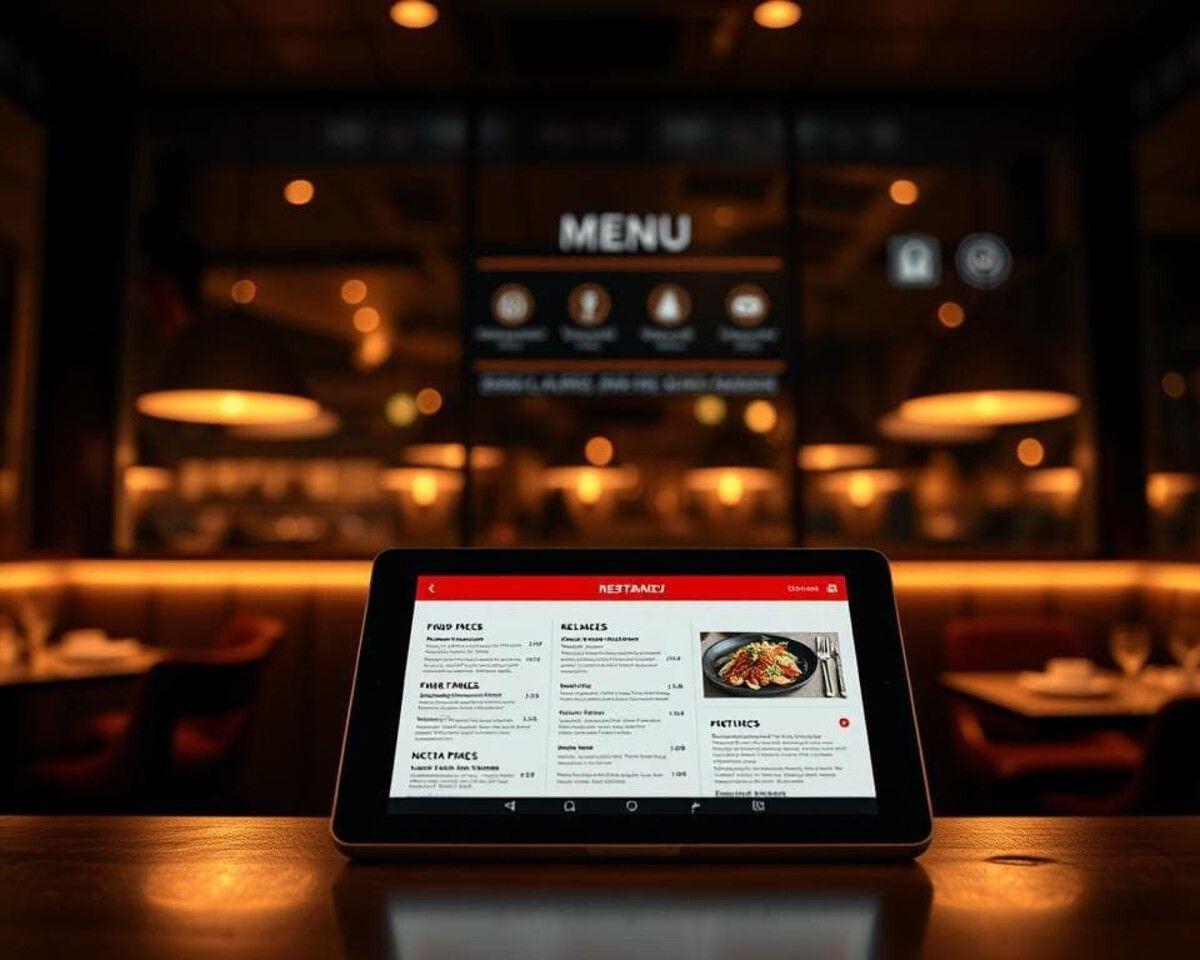
Digital menu tablet display in restaurant - Source: Pinterest
Change Prices and Dishes Without Reprinting the QR Code
One of the biggest reasons restaurants use a digital menu QR code is the ability to update information without replacing the physical code. Imagine that your restaurant increases the price of a popular dish, adds a seasonal drink, or temporarily removes an item because it is sold out. With a traditional printed menu, these changes can quickly become inconvenient. You may need to edit the design, print new copies, and replace the old menus throughout the restaurant. With a dynamic QR menu, the QR code can remain in place while the information customers see after scanning is updated online.
For example:
Old menu: Chicken Pasta $10
Updated menu: Chicken Pasta $12
The customer still scans the same QR code. They simply see the updated menu. This approach is particularly useful for restaurants with frequently changing prices or daily specials. You can also learn more about organizing dishes in a QR menu to make a larger digital menu easier for customers to navigate.
>>> Read more: Everything You Need to Know About Dynamic QR Codes
How to Use a Digital Menu QR Code in Your Restaurant
Once your digital menu is ready, the QR code can be placed in several customer-facing locations. Tables are the most obvious option, but they aren’t the only one.
Consider placing QR codes on:
- Table cards and stands
- Counter displays
- Takeaway packaging
- Restaurant windows
- Reception areas
- Flyers and promotional materials
The goal is to make the code visible without making the dining area feel cluttered. A short instruction such as “Scan to View Menu” can also help first-time users understand what to do.
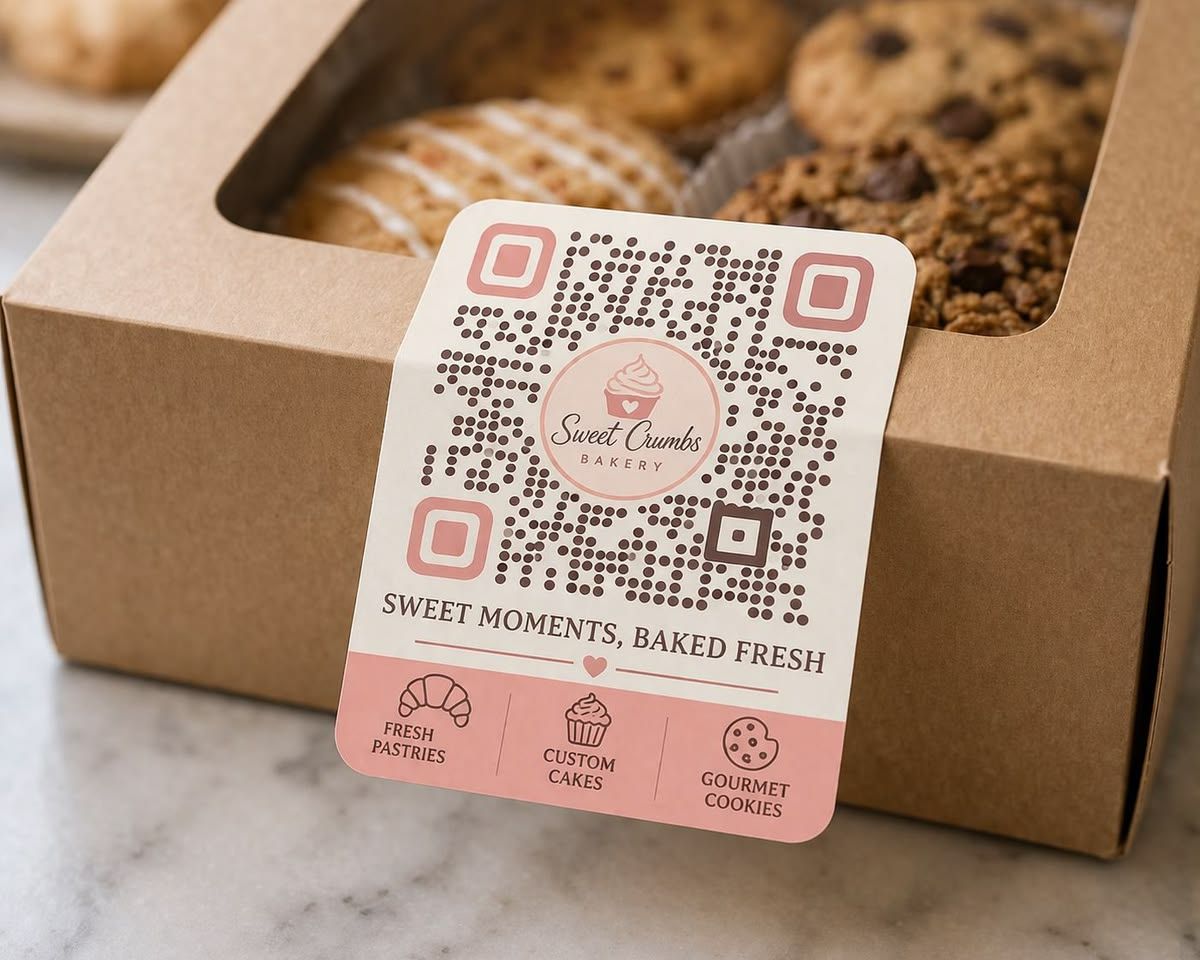
QR code sticker on takeaway bakery packaging - Source: Pinterest
How to Make Your QR Menu More Customer-Friendly
A QR code only gets customers into the menu. The menu itself still needs to be easy to use. Start by organizing dishes into logical categories such as Appetizers, Main Courses, Drinks, Desserts, or Specials. Keep dish names clear and descriptions concise. High-quality food photos can also help customers understand what they are ordering.
Most importantly, make sure prices are accurate. A digital menu is only useful if customers can trust the information they see. It is also worth testing the menu on different smartphones before placing QR codes throughout the restaurant. Check that the page loads properly, text is readable, images display correctly, and customers can quickly find popular dishes.
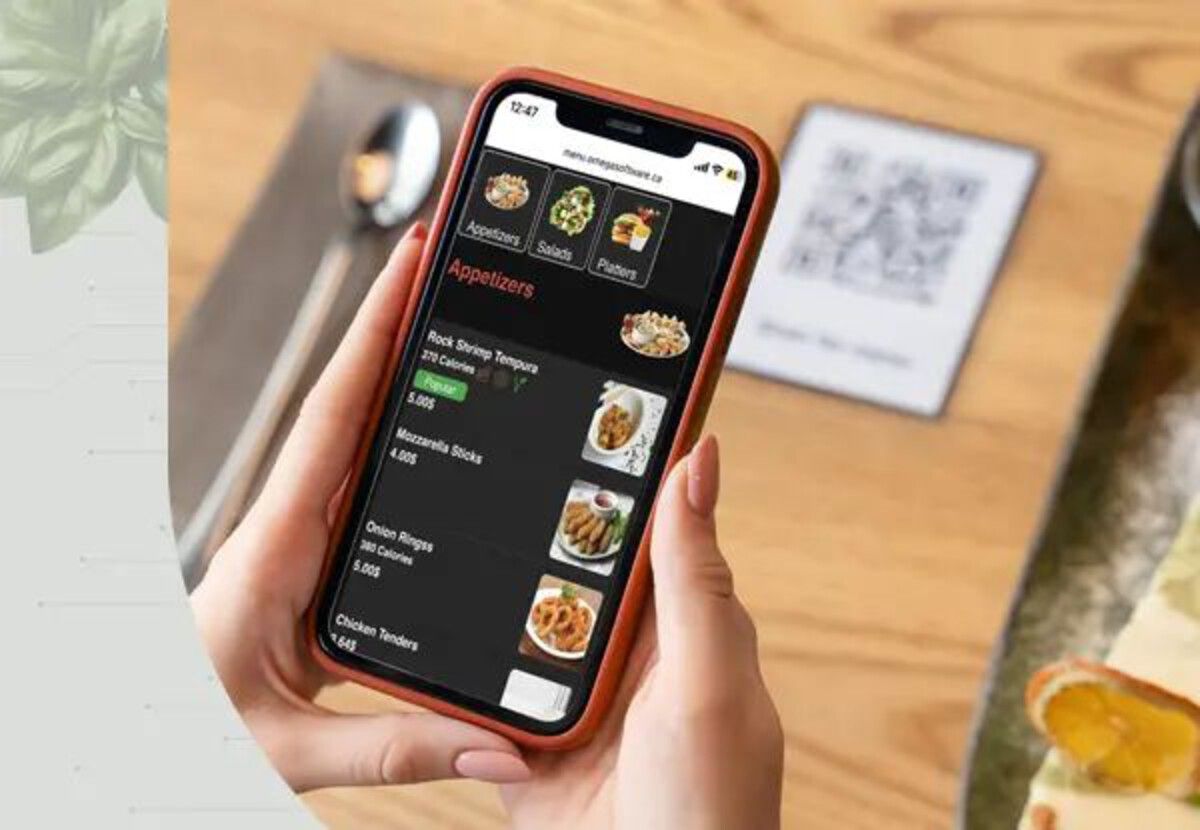
Customer browsing digital menu categories on phone - Source: Pinterest
Digital Menu QR Code vs. Printed Menu
A printed menu still works well for restaurants that rarely change their offerings. However, a digital QR menu becomes more attractive when prices, dishes, promotions, or availability change regularly.
| Feature | Printed Menu | Digital QR Menu |
| Change prices | Requires reprinting | Update online |
| Add new dishes | Requires redesign | Add digitally |
| Remove unavailable items | Requires editing copies | Update the menu |
| Food photos | Limited by print space | Flexible |
| Sharing online | Less convenient | Easy to share |
| Long-term flexibility | Limited | High |
The best choice depends on your restaurant's workflow. Some businesses may even use both: a QR menu for the full and frequently updated selection, alongside a small printed card for essential information.
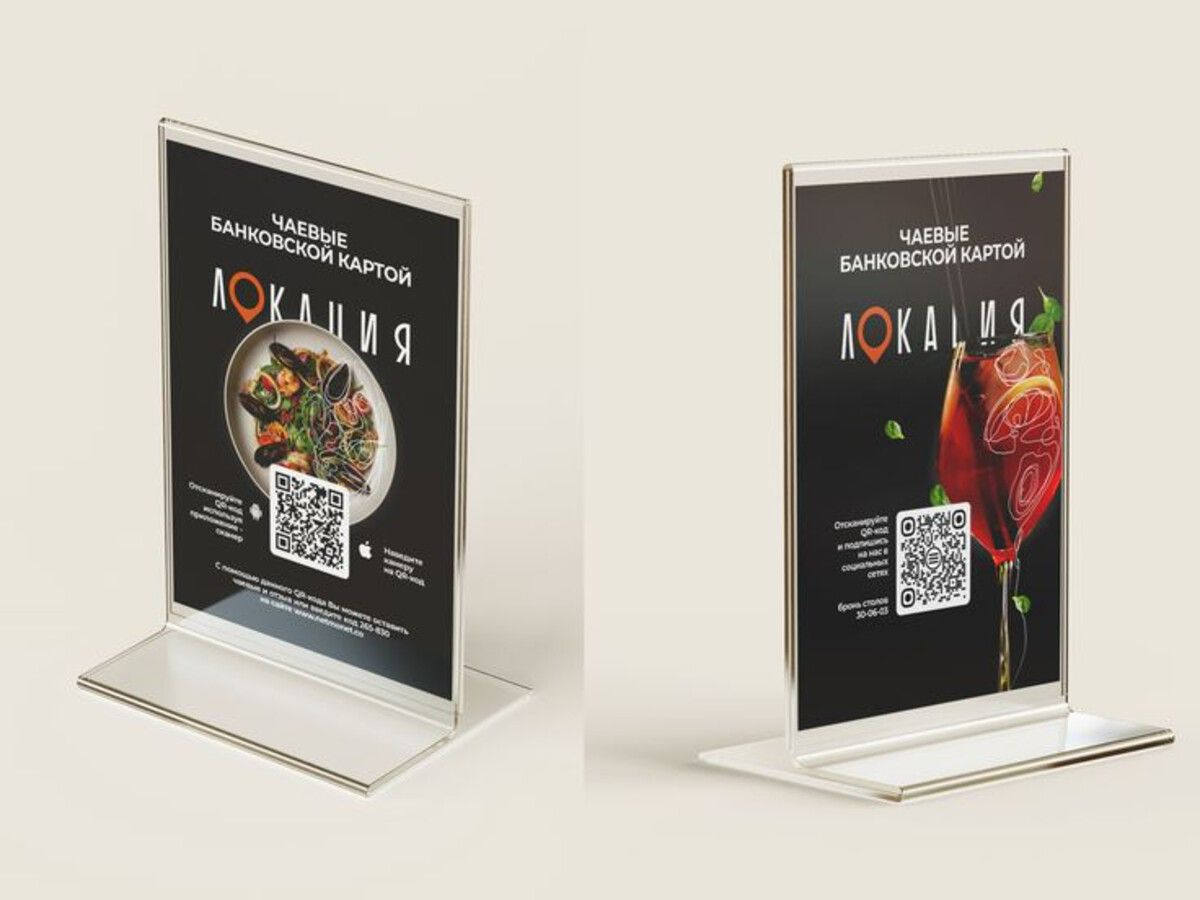
QR code table stands with menu photos - Source: Pinterest
Is a Digital Menu QR Code Worth It for Your Restaurant?
For restaurants that regularly adjust their menus, a digital menu QR code can simplify everyday management. Instead of treating every price change or new dish as a printing project, you can manage the information digitally and keep the same QR code in place.
Nine Menu makes this approach practical for small and medium-sized food businesses that want a digital menu without building a complex ordering website. The real benefit is not simply having a QR code on the table. It is having a menu that can keep changing while the QR code stays the same.
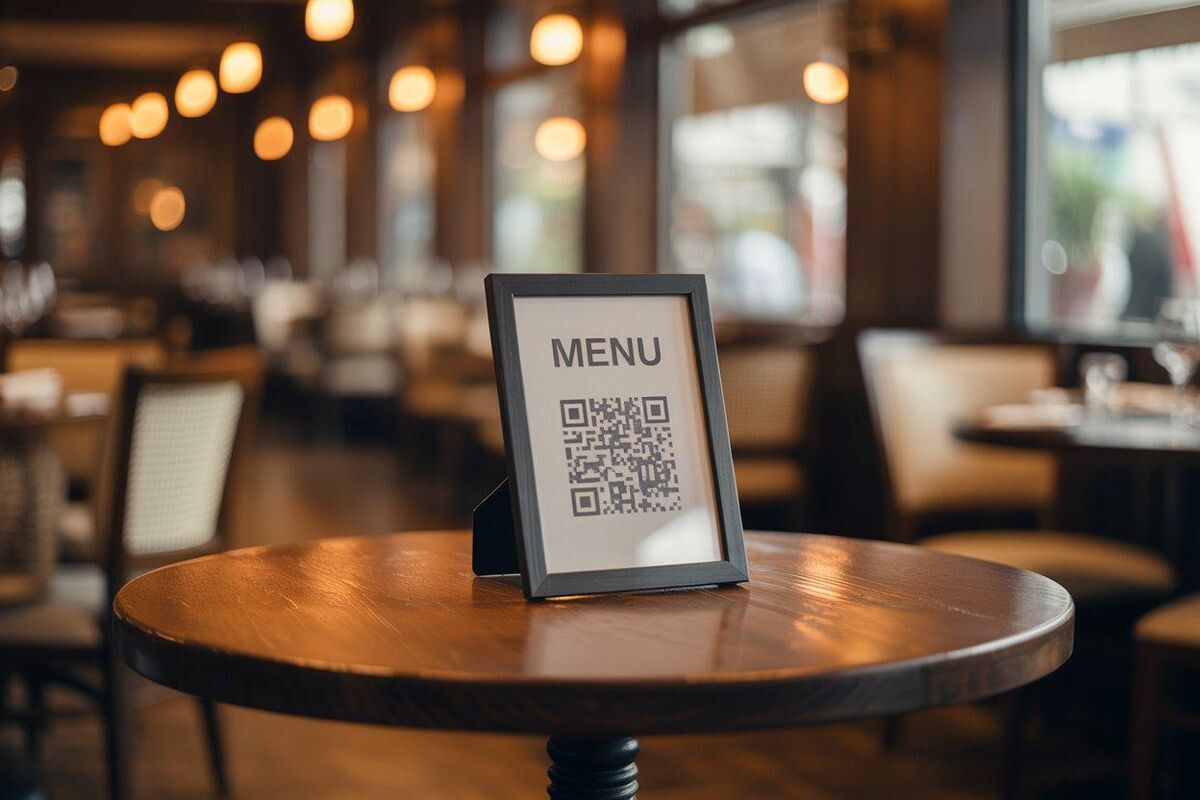
QR code menu stand on restaurant table - Source: Pinterest
FAQ About Digital Menu QR Codes
Can customers access a QR menu without installing an app?
Yes. A standard smartphone camera can usually scan a QR code and open the linked menu in the phone's web browser. Customers do not generally need to download a dedicated restaurant app.
Does a QR menu work for a restaurant with multiple locations?
It can. However, businesses with multiple branches should decide whether each location needs its own menu, pricing, or availability. Separate menu links can make branch-specific information easier to manage.
What happens if a customer has trouble scanning the code?
Provide a visible menu link or a simple alternative for customers who cannot scan QR codes. It is also important to print the QR code clearly and test it from normal table-viewing distances before deployment.
Can a restaurant keep both a QR menu and a printed menu?
Absolutely. A hybrid approach can work well. A restaurant might keep a small printed menu for customers who prefer paper while using the QR menu for the complete, frequently updated selection.
Conclusion
A digital menu QR code takes the hassle out of keeping your restaurant's offerings up to date. Instead of reprinting every time a price shifts or a new dish is added, you simply update the menu online while the same code stays on your tables. It suits restaurants, cafés, and food businesses of any size, especially those with frequently changing prices, seasonal items, or daily specials. Just keep the menu organized, the information accurate, and test it on a few devices before rolling it out.
Ready to Create Your Digital Menu?
Try Nine Menu now. Add your dishes, prices, and photos, generate your QR code, and let customers browse your menu with a single scan, no reprinting required.