In the digital age, the use of QR code menus has become common in the F&B industry, especially in small eateries, pubs, and coffee shops. However, many owners still do not know that creating a QR menu is completely free, requiring no knowledge of design or coding.
This article will guide you on how to create a free QR menu with a simple interface quickly within 1 minute, even if you have never used professional design tools before.
When selling through social networks: Paper menus or photos are holding you back
1. Taking photos of the menu to send to customers – tiring, inconvenient, and unprofessional
If you often sell through Facebook, Zalo, or Instagram, you have probably:
-
Taken photos of the paper menu and sent images via messages whenever customers ask
-
Sent photos of individual dishes, customers ask for prices → then you have to message again
-
Customers want to introduce your place to friends? They cannot easily forward the menu photos
Not to mention, every time you update prices or add new dishes → you have to take photos and resend the entire menu from scratch. This is very time-consuming and prone to errors.
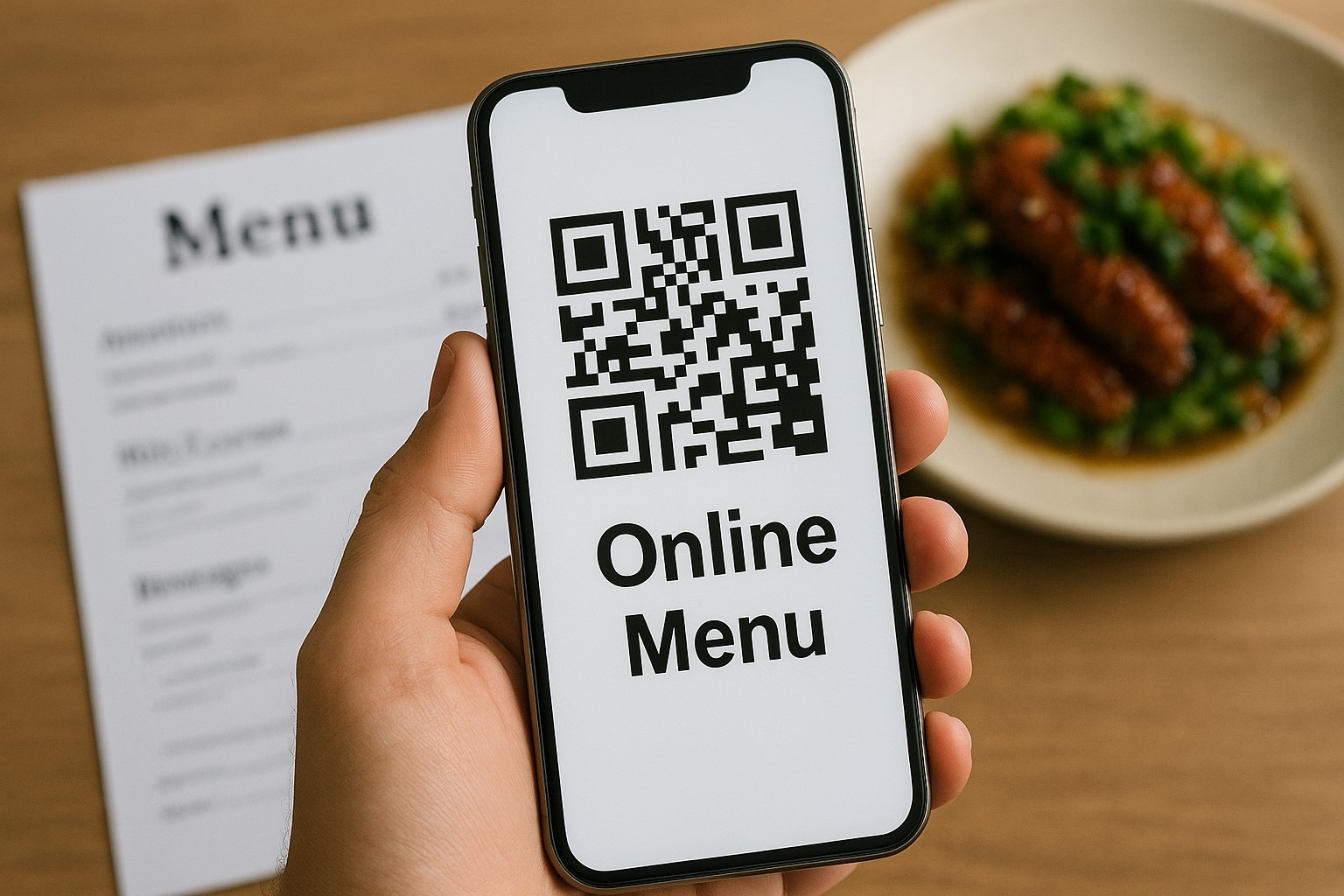
2. No control over what customers are viewing on the menu
When you send photos via chat, you don’t know what dishes customers are looking at or which parts they are interested in. Instead, if you have a fixed menu link, you only need to send it once – customers can view it anytime, anywhere, and you can update the content instantly.
3. Time-consuming
Sending multiple photos or having to resend images frequently whenever customers request or the menu changes will waste your time, especially for places with daily changing menus. An online menu with a single QR code will make it more convenient for you and your customers. This also helps you score points with your customers thanks to this professionalism.
Why should you switch to QR code menus?
1. Save printing costs
Paper menus often need to be changed when you update prices or add new dishes. With QR, you just need to edit online.
2. Build a professional and polished image
When using a QR menu, you will have a fixed link, a clear interface, and the ability to customize images, dish descriptions, and layout. This not only makes your menu look modern but also creates a professional and trustworthy impression in the eyes of customers. No more messy, distorted photos or apologizing to customers because the old menu hasn’t been updated – you own a tool that reflects the meticulousness of your brand.
3. Easy to share and accessible anytime
Just share the link via Facebook, Zalo, or attach the QR code on tables, walls, flyers... and customers can view it immediately.
Steps to create a free QR menu on Nine Menu
Step 1: Visit the website https://nineqr.com/
Intuitive interface, easy-to-use Vietnamese language. You don’t need to create an account right from the start.
Step 2: Start creating a new menu
Select "Create menu" > Name your menu (e.g., Co Ba’s Menu)
Step 3: Add dishes and dish groups
-
Click "Add dish"
-
Enter name, price, description, attach images
-
Create groups such as "Appetizers," "Main dishes," "Drinks," etc.
Step 4: Preview and adjust the menu
Preview the menu interface on mobile and edit anytime.
Step 5: Generate QR code and share
-
Click "Generate QR code"
-
Print and stick on tables/drinks
-
Or share the menu link via social media, messages, email...
Tips: How to make your QR menu look better
1. Use clear images
Even if it’s a small menu, beautiful photos of dishes will increase appeal.
2. Use evocative dish names + descriptions
For example: instead of just "Fried egg," write "Hot fried egg, crispy golden outside, rich and creamy inside."
3. Organize the menu into clear groups
Customers will find and order dishes faster.
4. Have multilingual versions if your place is near tourist areas
Nine Menu supports bilingual menus with just one click.
If you are selling through Facebook, Zalo, or Instagram, having a free, easy-to-share, and easy-to-update QR menu will save you a lot of time – and more importantly: make you look much more professional.
Creating a free QR code menu has never been easier. Whether you run a street coffee shop, a casual pub, or a mini restaurant, you can start your digital transformation with Nine Menu.
Create your first menu now at: https://nineqr.com/