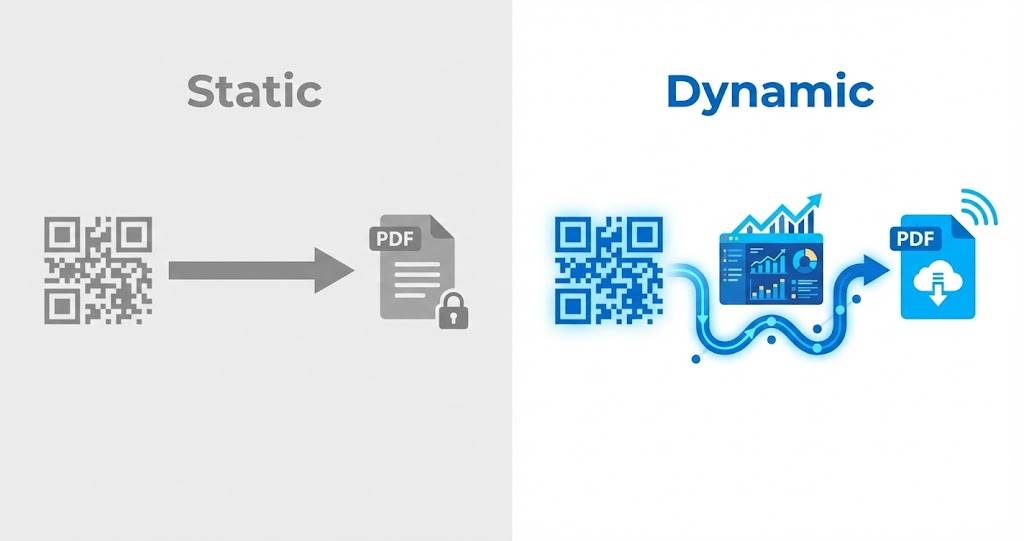
Choosing between a static and a dynamic QR code determines how easily you can maintain a PDF after it has been shared or printed. The wrong choice can leave users with an outdated document or require you to replace materials unnecessarily. Before creating a PDF QR code, it helps to understand how each type works, where it fits best, and its limitations.
1. What Is a Static QR Code for a PDF?
A static QR code contains fixed data from the moment it is created. That data cannot be changed during the code's lifetime.
For a PDF, a static code typically embeds a direct link to the uploaded file. When someone scans it, they are taken straight to that specific document, with no intermediary redirect and no way to change the destination later.
Key characteristics
Static QR codes are straightforward to create and require little setup. Once generated, they can be used immediately and do not need ongoing editing.
Advantages for PDF sharing
They work well for documents that are final and unlikely to change, such as permanent reference materials. A static code also keeps management simple because there is nothing to maintain after publication. You can create a PDF QR code for documents you want people to access by scanning.
Limitations to consider
If the PDF is revised or its link stops working, a static QR code cannot be updated to direct users to the new version. You will need to create and distribute a new code.

2. What Is a Dynamic QR Code for a PDF?
A dynamic QR code lets you change the destination after the code has been generated and printed. Rather than storing the final PDF URL directly, it points to an intermediary link that redirects the scanner to the chosen file.
How it works
When someone scans a dynamic code, they first access the intermediary URL. You can update that URL in the platform's backend to point to a different PDF without changing the original QR code image.
Benefits when documents change
Dynamic codes are suited to PDFs that need regular edits or replacement. Keeping the same code can save time and avoid the cost of reprinting materials. A dynamic QR code is designed for cases where the destination may need to change after printing.
Important considerations
Because they use an intermediary link, dynamic QR codes generally depend on a platform or management system. Make sure the platform's capabilities match the scope and purpose of your project.
3. Static vs. Dynamic QR Codes for PDFs
The right option depends on how stable your document is and how much flexibility you need after the code is shared.
Flexibility
Static QR codes suit permanent content. Dynamic QR codes let you replace the linked PDF over time while keeping the same printed code.
Setup and management
Static codes are simple to create and use. Dynamic codes require a basic understanding of how to manage the destination content.
Document stability
If your PDF is unlikely to change, a static code is a sensible choice. If it needs periodic updates, a dynamic code is usually more efficient.

4. Which Type Should You Choose?
There is no one-size-fits-all option. Base your decision on how you plan to use and maintain the document.
When to use a static QR code
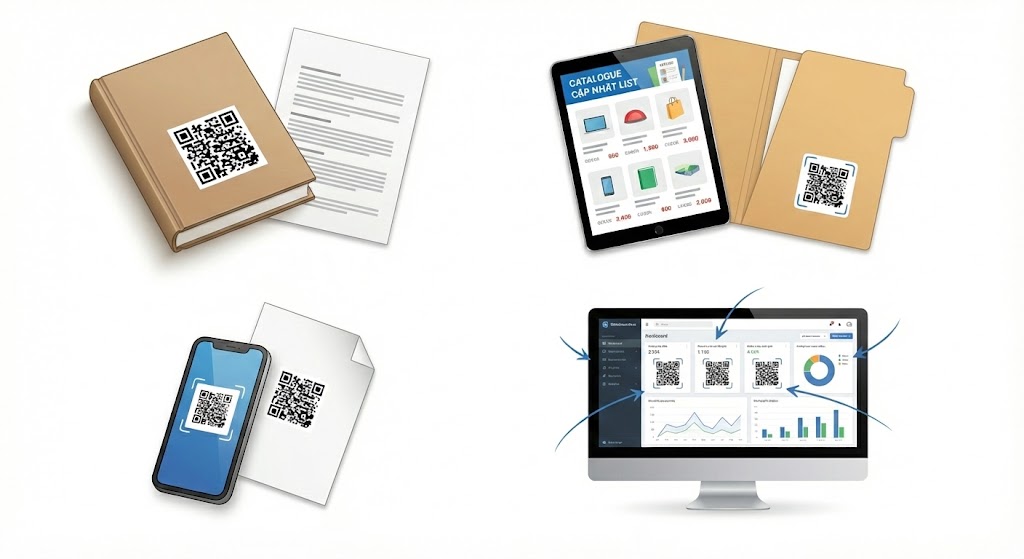
Static codes are a good fit for fixed educational materials, printed instruction manuals, and PDFs that will not need editing after distribution.
When to choose a dynamic QR code
Dynamic codes are better for product catalogs, price lists, and other documents whose content changes often while the printed QR code needs to stay the same.
Consider the scale of use
For personal use or small-scale sharing, a static code is often enough. For long-term business campaigns, a dynamic code offers a clear management advantage.
5. How to Create a QR Code for Your PDF
Whether you choose a static or dynamic option, the basic process starts with preparing your PDF and generating the type of code that matches your needs.
On the Qrcode-gen platform, choose the appropriate QR type, add your PDF destination, and generate the code for sharing. Select a static code for a document that will remain unchanged, or a dynamic code if you expect to replace the file later.
6. Avoid Common Misconceptions
QR codes do not automatically update documents or provide advanced features on their own. They simply provide a route to your PDF.
QR codes do not replace a content management system
Whether static or dynamic, a QR code is not a complete solution for complex document management.
Effectiveness depends on how you use it
Choosing the appropriate type and placing the code where people can easily use it will determine how effectively your PDF is shared.
Static and dynamic PDF QR codes serve different purposes. Define how often the document may change and how you intend to distribute it, then choose the option that best supports those needs.
Related articles
What is a dynamic QR code?
How to create a free PDF QR code without signing up