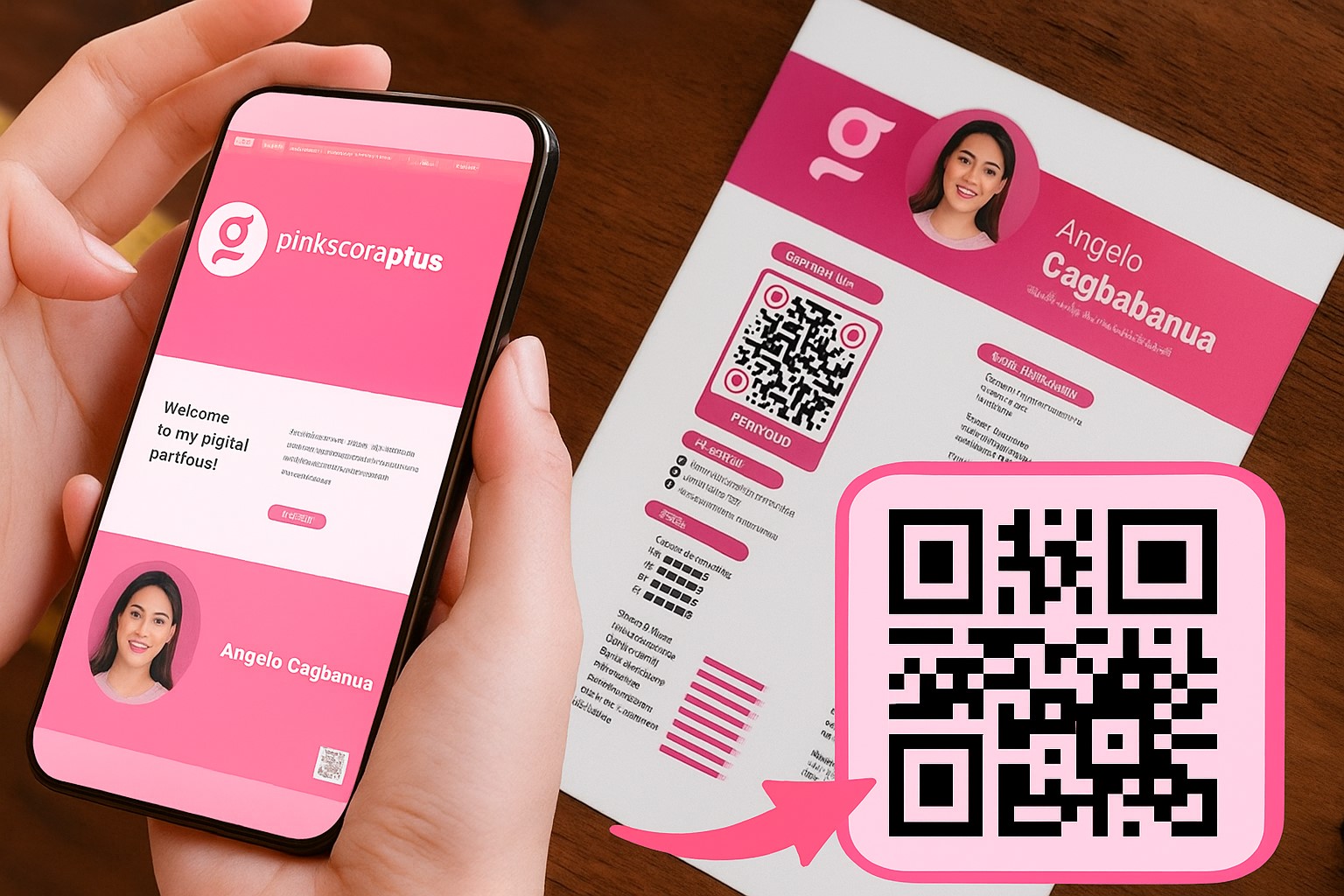
A strong portfolio needs more than polished visuals and concise copy. It also needs to make it easy for recruiters and clients to explore your work from the first interaction. QR codes offer a modern, creative way to connect a printed or static portfolio with the digital content behind it.
In this article, you’ll learn:
- Why a personal portfolio can benefit from a QR code
- Creative ways to incorporate QR codes into your design
- How to use them effectively and professionally
What Is a QR Code, and Why Is It Becoming Common in Portfolios?
A Direct Link to Digital Content
A QR code, or Quick Response code, is a two-dimensional barcode that can store links, videos, images, personal profiles, and other interactive content. When someone scans it with a smartphone, they can access that information instantly—without typing a web address or searching for it manually.
A Portfolio Should Be More Than Attractive
A portfolio is more than a collection of design projects. It represents you when you are not in the room, so it should be:
- Easy to access
- Easy to update in real time
- Connected to videos, social profiles, and online CVs
A QR code can bridge the gap between the printed page and those digital resources.
5 Benefits of Adding QR Codes to Your Portfolio
1. Create a Memorable First Impression
A well-designed QR code placed in a corner or on the cover can spark a recruiter’s curiosity and encourage them to scan it immediately.
2. Link to More Content
Use a QR code to share:
- The online version of your portfolio
- An introduction video
- Your latest CV
- Your professional LinkedIn, Behance, or Instagram profile
3. Track Engagement
With QR tools that include analytics, you can see:
- How many people have scanned your code
- Where they are located
- When your portfolio receives the most views
This information can help you measure engagement and refine your content.
4. Update Content Without Reprinting
If you change jobs or add new projects, you can update the destination link instead of redesigning your entire printed portfolio. A dynamic QR code is designed for destinations that may need to change after printing.
5. Improve the Viewing Experience
QR codes can add a polished, current touch to your portfolio while making supporting content easier to access.
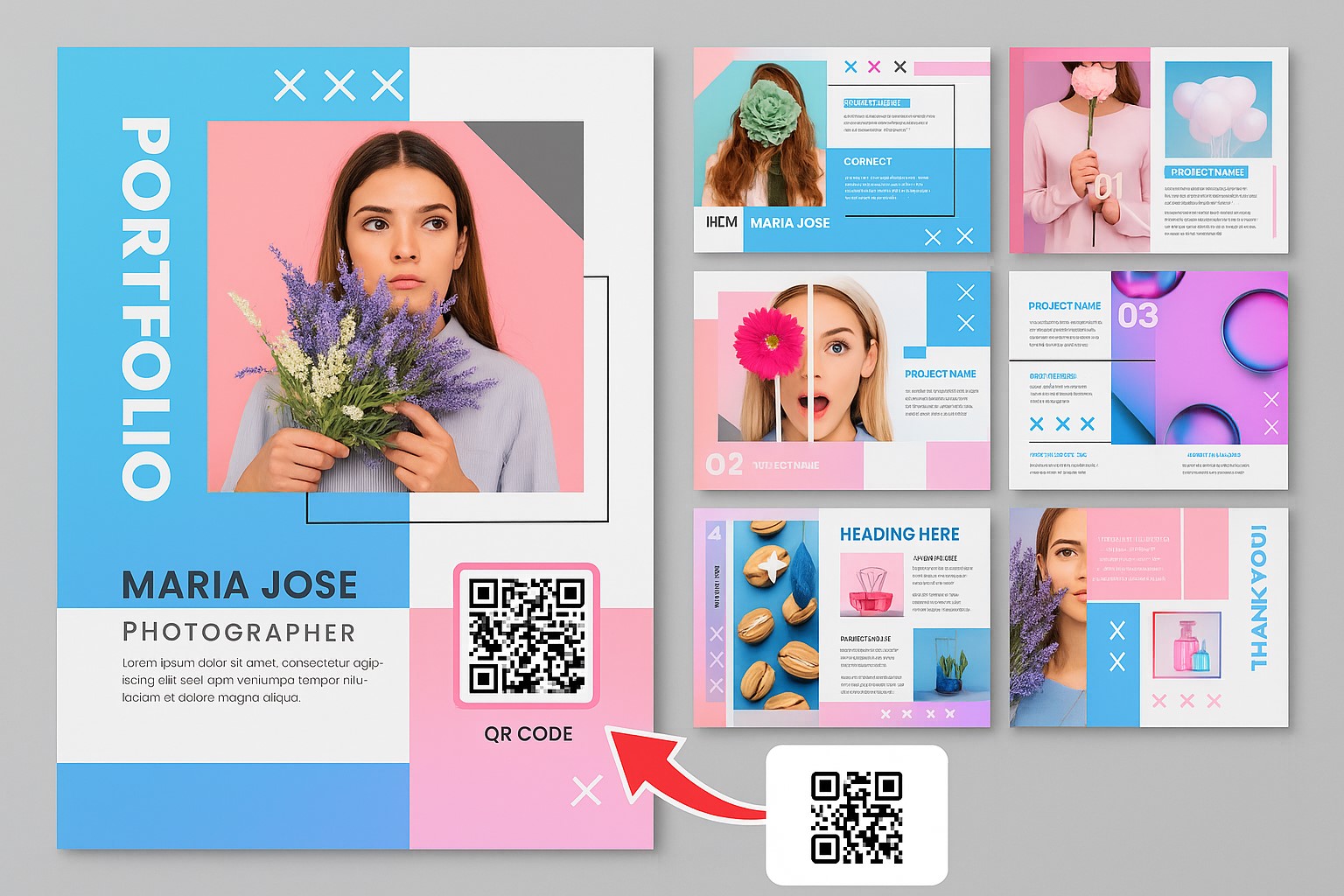
Creative Ways to Add QR Codes to Your Portfolio
1. On Your Introduction Page
Place a QR code beside your portrait or opening quote and link it to a short self-introduction video. It can make your portfolio feel more personal and engaging.
2. Create a Code for Each Project
Rather than relying only on static images, add a QR code to each project that leads to:
- Detailed slides that show your design process
- User experience simulation videos
- Real client feedback
3. Add It to the Back Cover or Footer
If you prefer not to interrupt the layout, place a small QR code on the back cover or in the footer of each page as a subtle personal signature.
4. Connect a Printed Portfolio to Its Digital Version
When you bring a printed portfolio to an interview, a QR code linked to your online portfolio lets recruiters revisit your work after the meeting.
How to Create a Professional QR Code for Your Portfolio
Step 1: Prepare Your Destination Content
Before creating the code, prepare one of the following:
- An online portfolio on Notion, Behance, Google Sites, or a similar platform
- A landing page that presents all of your projects
- An introduction video on YouTube or Vimeo
Step 2: Generate Your QR Code
Create a website QR code that directs viewers to your chosen online destination.
Step 3: Customize Its Appearance
- Choose colors that complement your portfolio palette
- Add your personal logo or a small profile image in the center
- Avoid overly light colors that may be difficult to scan
Step 4: Test It on Multiple Devices
Test the QR code on both Android and iOS devices to make sure it works smoothly.
Important Considerations for QR Codes in Portfolio Design
- Do not overuse them: One or two QR codes are usually enough. When they appear everywhere, they can lose their impact.
- Keep the design consistent: Match the code’s color scheme and placement to the rest of your portfolio.
- Avoid unprofessional personal links: Do not direct viewers to personal Facebook profiles or non-professional TikTok accounts.
- Monitor performance: Use a QR code generator with tracking features to understand which content interests viewers most.
Future Trends: Interactive Portfolios with QR Codes and AR/VR
As AR and VR technology develops, portfolios may eventually be shared as QR code posters that let recruiters step into a creator’s work through virtual reality glasses. For now, simply adding a QR code is a practical first step toward a more interactive portfolio.
A QR code is more than a decorative element. It provides a direct route to the professional digital content behind your portfolio, making that content easier to access, scan, and remember.