Sharing multi-page documents, restaurant menus, product catalogs, and instructional guides on physical media often leads to high printing costs and cluttered layouts. Converting documents into a scannable format with a QR code for PDF document provides a seamless bridge between printed materials and digital files. With platforms like QRCode GEN, creating an interactive QR code for PDF allows your audience to view and download documents instantly with a simple smartphone scan.
What Is a QR Code for a PDF Document?
A QR code for PDF document is a two-dimensional barcode that encodes an online web address pointing directly to a hosted PDF file. When a user scans the code using an iPhone, Android phone, or optical reader, the device decodes the address and opens the document inside the mobile browser or default PDF viewer.
A common misconception is that the QR matrix embeds the entire multi-page document within its pixel grid. In reality, the QR code functions as a lightweight gateway linking to an online file. Consequently, a 2 MB menu and a 50 MB technical report will generate patterns of similar visual density, provided their web addresses share similar character lengths.
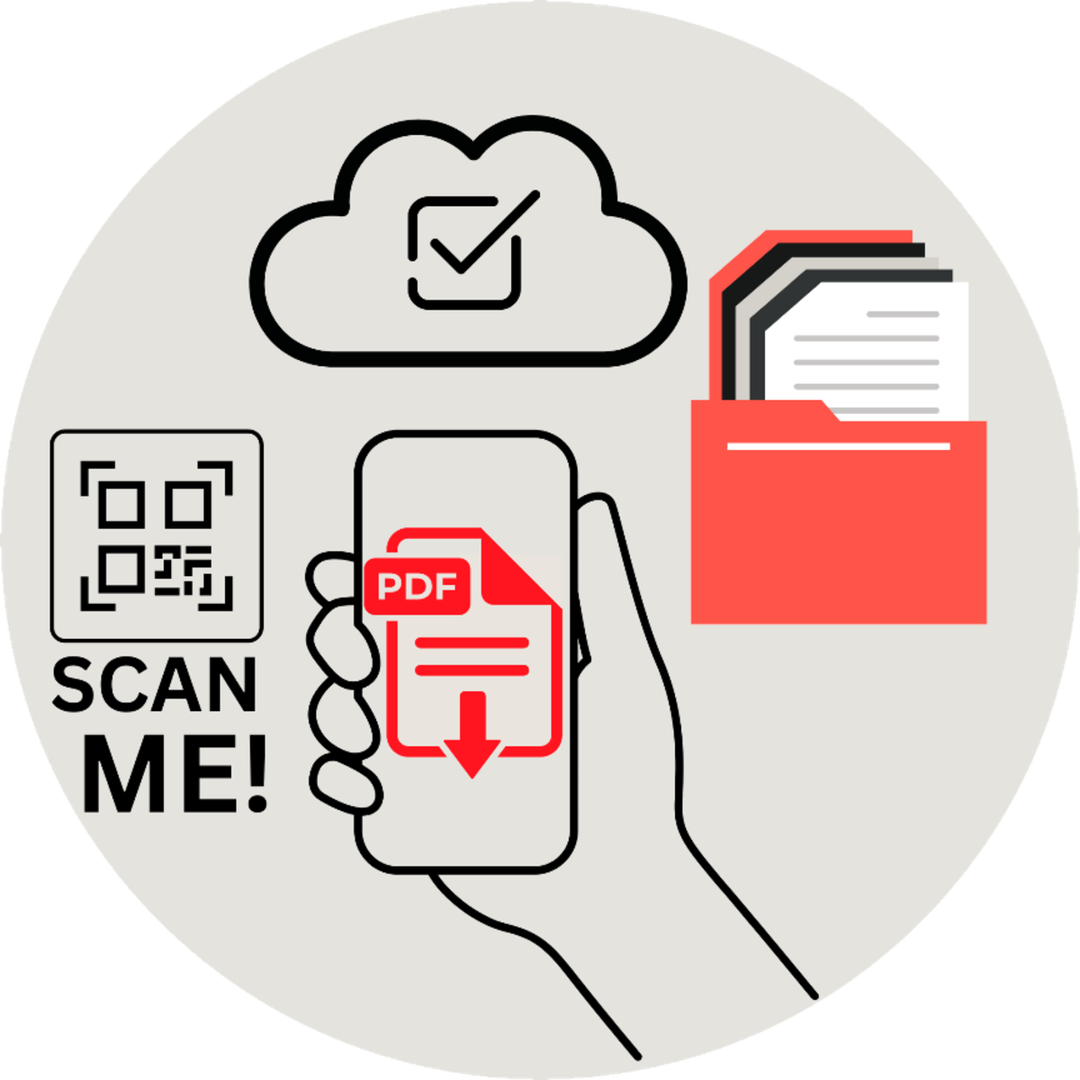
A PDF QR code stores an online document link, opening multi-page files instantly without altering matrix density
Advantages and Limitations of PDF QR Codes
Using digital QR code for PDF document sharing streamlines workflows and reduces paper consumption, though organizations must balance several functional benefits against practical operational factors:
Key Advantages
- Eliminates Manual Typing Friction: Audiences access complex document URLs, spreadsheets, or cloud drive files without manually typing long links into mobile browsers.
- Reduces Printing Expenses: Distributing comprehensive product catalogs, annual reports, and technical manuals through a single, compact physical label saves significant printing expenses.
- Enables Post-Print Updates: Utilizing a Dynamic QR code enables creators to update the linked PDF anytime without replacing physical collateral.
- Integrates with Cloud Workflows: Fits smoothly into existing document management workflows on Google Drive, Dropbox, or OneDrive.
Practical Limitations
- Internet Dependency: Smartphones require an active cellular or Wi-Fi connection to download and render the online file, meaning offline access is not possible.
- Mobile Data Consumption: Large, uncompressed files with heavy graphics can take longer to load on mobile networks.
- Access Control Risks: Publicly shared links can be forwarded beyond the initial audience unless protected by permission settings.
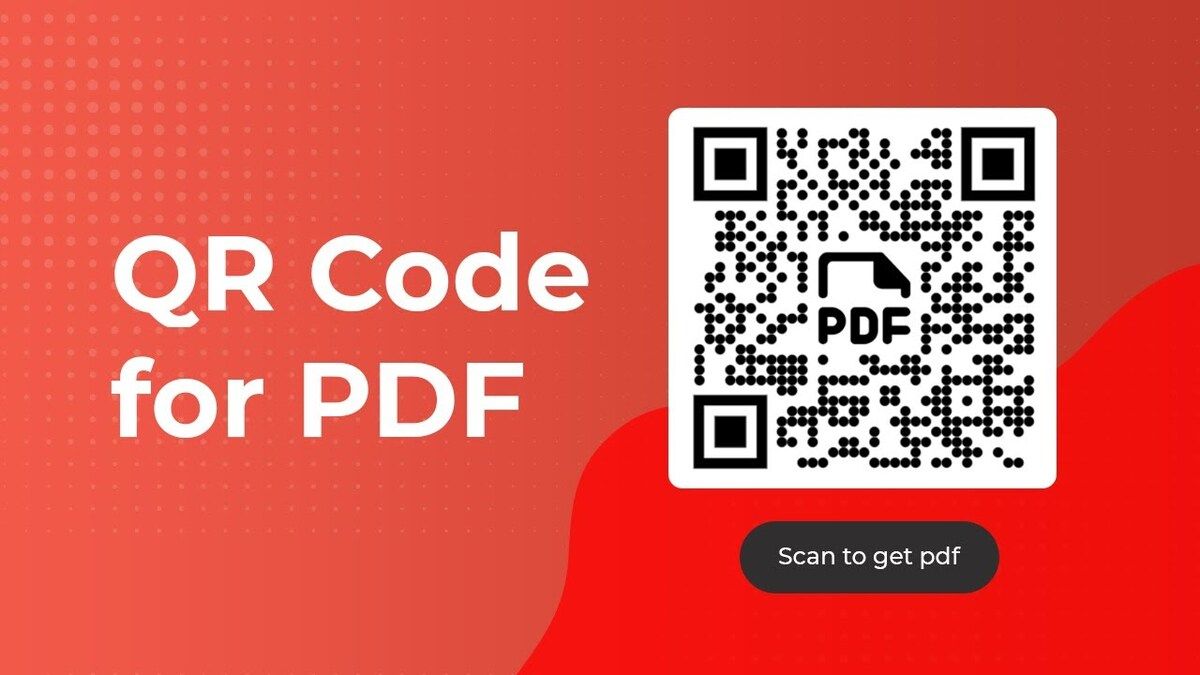
PDF QR codes eliminate printing costs and typing friction, though viewers require active internet access
How to Create a QR Code for a PDF Document in 4 Steps
Generating a functional, branded code requires preparing your document, selecting the right storage source, and applying design customization:
- Prepare the PDF File: Ensure the document is formatted for mobile viewing by using legible font sizes, optimized page widths, and compressed images. Remove internal drafts or confidential notes before generating the public link.
- Choose Your Source Method: Upload a PDF file directly (up to 10 MB) to generate a short sharing address automatically, or paste an existing shareable link from Google Drive, OneDrive, Dropbox, or your own website server.
- Choose Between Dynamic and Static: Select Dynamic QR if your menus, price lists, or manuals might change in the future to enable destination updates and scan analytics. Choose Static QR only when linking to a permanent, unchangeable public web URL without tracking requirements.
- Customize, Test, and Export: Add brand colors, custom frames with actionable text, and a center logo. Download the final file in high-resolution raster (PNG) for digital materials or vector (SVG, EPS) for large-format commercial printing.
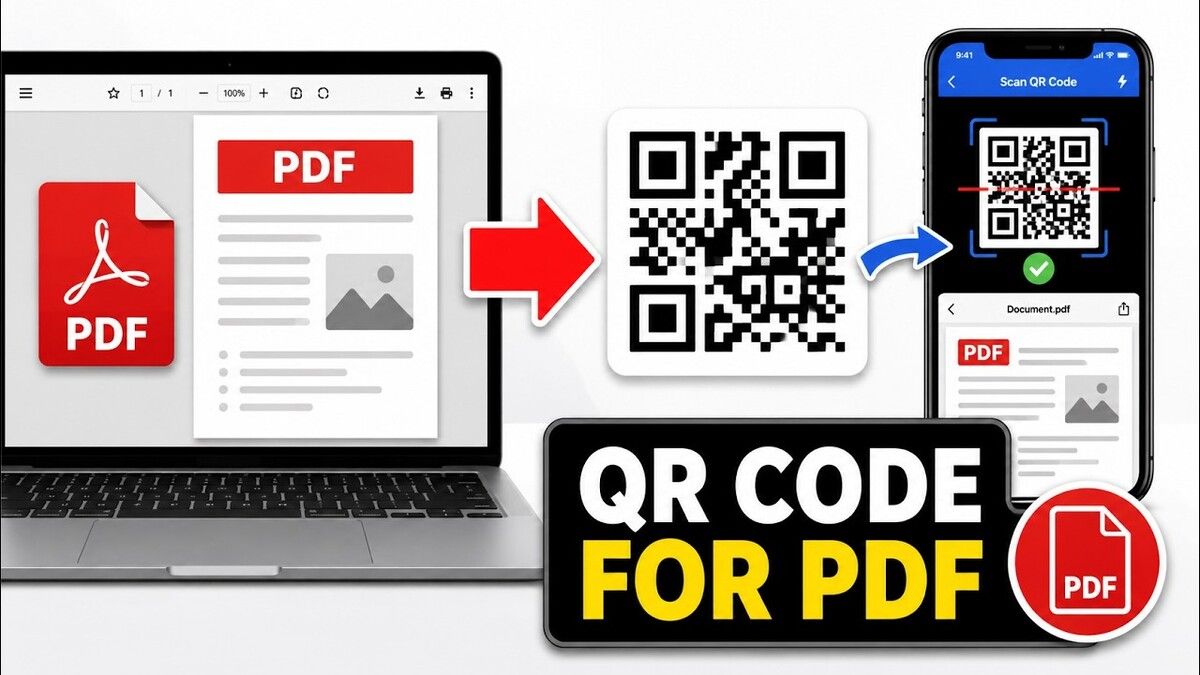
Creating a PDF QR code involves preparing the file, selecting an upload or cloud method, customizing the design, and exporting
>>> Read more: Create a QR code for a PDF and open the document in one scan
Popular Real-World Use Cases for PDF QR Codes
Organizations across diverse sectors use PDF-linked codes to streamline information delivery without bulky paper materials. Restaurants and cafés place codes on dining tables so guests can browse seasonal specials, wine lists, and allergen information without replacing physical table tents. Manufacturing companies print compact labels on hardware packaging or machinery, directing technicians to complete operation guides and Material Safety Data Sheets (MSDS).
In professional settings, B2B sales teams enable trade show prospects to download extensive catalogs and price lists instantly. Academic institutions and conference organizers display codes on presentation slides or event badges so attendees can download lecture slides, research papers, and itineraries. Real estate agencies provide prospective buyers with architectural specs directly from yard signs, while manufacturers link product packaging to official ISO certifications and warranty policies.

PDF QR codes streamline document distribution across menus, user manuals, event marketing, and certifications
7 Critical Checks Before Publishing Your PDF QR Code
Before sending your design to mass printing, follow these essential operational checks to guarantee a flawless scan experience:
- Verify Post-Print Flexibility: Choose a dynamic format if there is any chance the menu, schedule, or pricing will change in the future.
- Test Access in an Incognito Window: Open the URL in a private browser session where you are not logged in to confirm the link does not prompt for Google or Microsoft account sign-ins.
- Format for Smartphone Displays: Ensure typography is comfortable to read vertically on small mobile screens without requiring continuous horizontal scrolling.
- Compress File Weight: Keep total file size as lightweight as possible to guarantee fast loading speeds over 4G and 5G cellular networks.
- Protect Confidential Data: Double-check that proprietary financial data, internal annotations, or personal contact numbers are removed from public files.
- Include a Clear CTA with File Details: Add descriptive framing text such as "Scan to view Summer Menu (PDF, 2.5 MB)" so users know what to expect.
- Test Physical Print Proofs: Print a single test proof and scan it under varying lighting conditions with both iPhone and Android devices to verify scannability and contrast.
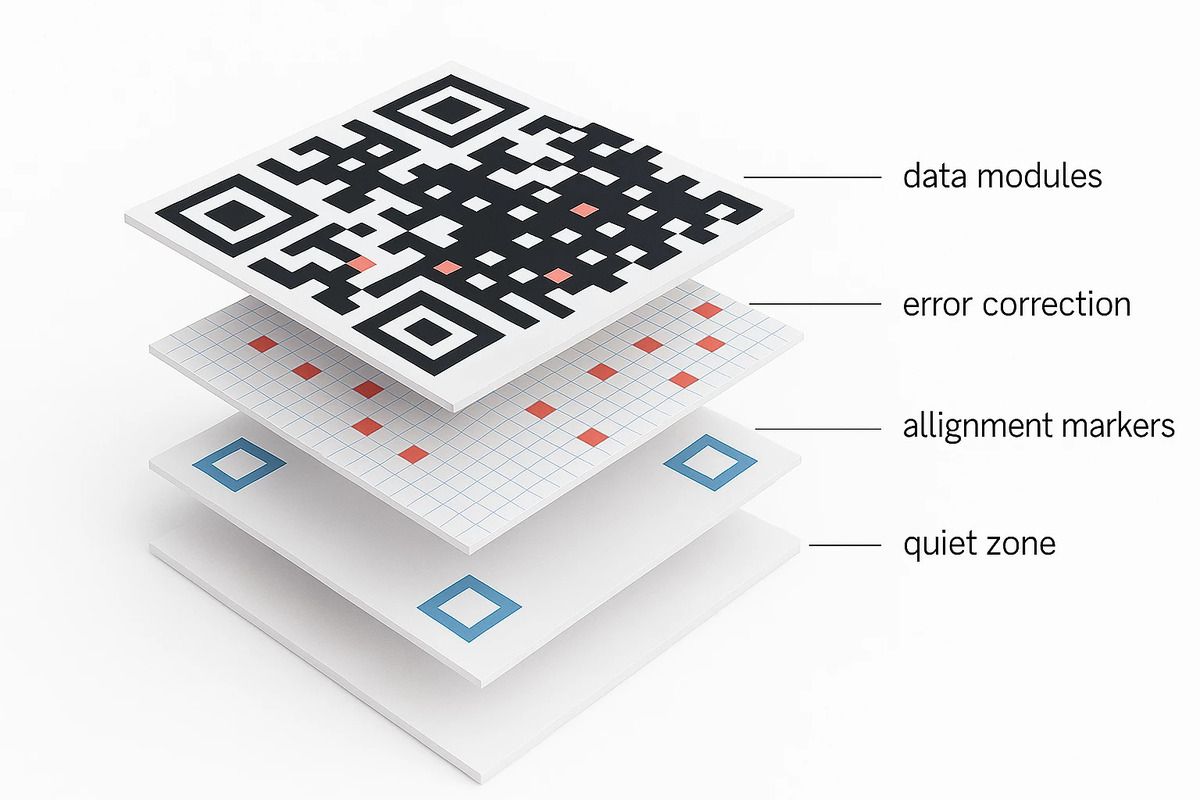
Conducting pre-publishing checks on permissions, mobile formatting, and print proofs prevents scanning errors
Frequently Asked Questions (FAQ)
Does a PDF QR code contain the entire PDF file inside the pattern?
No, the QR code only stores an online web address that redirects to the hosted document. The smartphone requires internet connectivity to retrieve and display the file.
What is the difference between direct PDF upload and using a cloud link?
Direct uploading hosts your file on the generator platform and outputs a clean, short URL. Using a cloud link connects the QR code to an existing public file hosted on Google Drive, Dropbox, or OneDrive.
Can I replace the PDF document after printing the QR code?
Yes, provided you generate a dynamic code. You can update the target URL or upload a revised PDF from your management dashboard without altering the printed graphic.
Does a larger PDF make the QR code denser and harder to scan?
No, matrix density depends solely on the character count of the encoded URL. File size impacts download speed, not physical code complexity.
Does a viewer need a Google or Microsoft account to open the PDF?
No, as long as your cloud storage file permissions are configured to "Anyone with the link can view" before generating the code.
Does a recorded scan mean someone read the entire PDF?
No, dynamic scan analytics record when a device opens the redirection link, but cannot verify whether the user scrolled through every page or saved the document locally.
Using a QR code to distribute PDF documents provides a fast, cost-effective, and environmentally sustainable alternative to traditional printing, ensuring your materials stay up to date without reprinting costs. To streamline your workflow today, QRCode GEN delivers an all-in-one platform to create high-resolution QR code for PDF and Dynamic QR code solutions, alongside specialized ecosystems like Ninecard for smart digital identities and Nine Menu for interactive restaurant menus with zero scan limits.