Simplify asset tracking with QR codes. Learn how Ninecheck lets you import Excel data, print QR labels in bulk, and run phone-based inventory checks.
QR Code Asset Tracking: How Ninecheck Simplifies Inventory
Managing company assets with spreadsheets can become difficult as the number of laptops, tools, furniture, machines, and other equipment grows. Teams may have to compare asset codes manually, check different Excel files, and update records after visiting each location. A QR code for asset tracking offers a simpler way to connect physical equipment with digital asset records. Instead of searching for an item in a spreadsheet first, staff can scan the QR label attached to the asset and access its corresponding record.
Ninecheck, QRCode GEN’s asset management and inventory solution, is designed around this workflow. It lets businesses import existing asset data from Excel, create QR labels in bulk, and carry out inventory checks using a phone. The result is a more direct process for checking what assets are actually present and updating their records.

Scanning asset QR code on warehouse shelf boxes - Source: Pinterest
What Is an Asset Tracking QR Code?
An asset tracking QR code is a QR label assigned to a specific physical asset. When scanned, it connects the item to its digital record rather than simply opening a generic webpage. For example, a company laptop can have a unique QR label linked to its record. That record may contain information such as the asset code, name, category, location, assigned user, status, purchase information, warranty details, and other relevant data.
That record may contain information such as the asset code, name, category, location, assigned user, status, purchase information, warranty details, and other relevant data. This creates a direct connection between the equipment in front of an employee and the information stored in the asset management system. It can be particularly useful when businesses need to check large numbers of assets across offices, departments, factories, schools, or other locations.
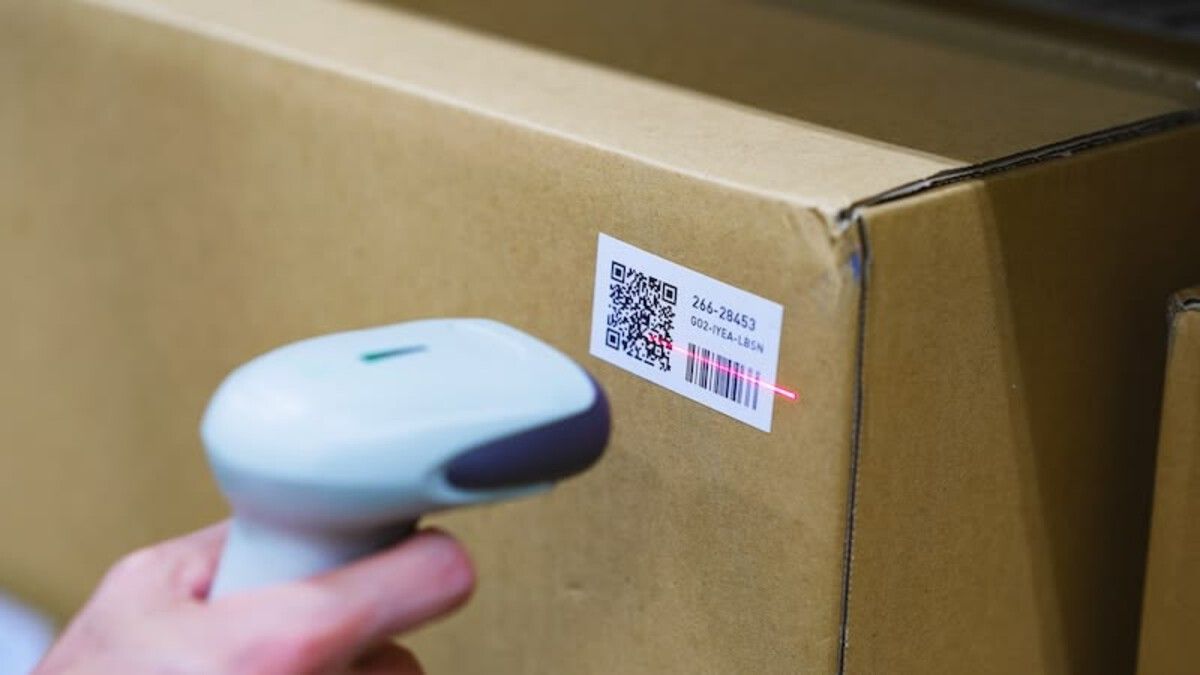
Barcode scanner reading QR label on cardboard box - Source: Pinterest
How Ninecheck Simplifies QR Code Asset Tracking
Ninecheck focuses on reducing the manual work involved in turning an existing asset list into a practical inventory process. Instead of rebuilding an inventory database from scratch, businesses can start with the information they already have and gradually connect each asset to a QR label.
1. Import Your Asset List from Excel
The first step is to bring existing asset information into Ninecheck. Businesses can import an Excel file containing details such as asset names, codes, categories, departments, assigned users, and warranty information. This is useful for organizations that already manage equipment in spreadsheets. Rather than manually entering every asset again, teams can use their existing list as the starting point.
Before importing, it’s worth cleaning the spreadsheet. Duplicate rows, inconsistent asset codes, and unclear location or user information can create problems later. A consistent asset code also makes it easier to identify each item correctly.
>>> Read more: Applying QR codes in warehouse management: Simplifying complexity
2. Create and Print QR Labels in Bulk
Once the asset information is ready, Ninecheck can create a unique QR label for each asset. Multiple labels can be generated and printed at once, making the process more practical when an organization has dozens or hundreds of items. These QR code asset labels can then be attached to equipment, furniture, tools, or other physical assets. Each label acts as the connection between the physical item and its corresponding digital record.
For better results, labels should be placed somewhere accessible and easy to scan. Businesses should also test printed labels with ordinary phones before producing a large batch, especially when labels will be used in environments with frequent handling or difficult lighting conditions.
3. Scan Assets with a Phone
The next part of the process happens on site. Instead of carrying printed spreadsheets and manually comparing asset codes, authorized staff can use a phone to scan the QR label attached to an item. The scan identifies the matching asset record. Staff can then check information such as the asset's location and assigned user and record relevant changes directly from the asset.
This phone-based workflow means employees don’t need a dedicated QR scanner. An ordinary iOS or Android phone can be used, although the quality and condition of the printed label, lighting, and camera access can affect scanning performance.
4. Run Inventory Checks and Review the Results
After the assets are labeled, Ninecheck can be used to run an inventory round for a selected location or the wider workspace. Staff scan the labels while the system matches each scan with the expected asset list. The checker can confirm whether an asset is present and record conditions such as available, damaged, lost, or in the wrong location. After the checking process, the results can be reviewed and exported for further use.
This changes the role of Excel in the process. Instead of using a spreadsheet as the main tool for manually matching every physical item, the spreadsheet becomes an input or output format around a scan-based inventory workflow.
Why Use QR Codes for Asset Tracking?
The main advantage of an asset tracking QR code is the connection between a physical object and its digital record. A spreadsheet can tell you that an asset exists, but it doesn’t automatically help you identify the exact item in front of you. With QR labels, the physical asset becomes the starting point for accessing its information. This can help reduce manual lookups and make inventory work easier to perform at the location where the asset is being checked. For businesses looking to streamline inventory management, an inventory management QR code can provide a practical link between physical equipment and its digital record. Ninecheck also keeps information such as location, assigned user, handover records, repair history, warranty details, and inventory results within the asset record, depending on the information your organization chooses to maintain.
>>> Read more: Everything You Need to Know About Dynamic QR Codes
Asset Tracking QR Code Best Practices
A QR label can simplify identification, but it works best when the underlying asset data and operating process are consistent. Before rolling out QR asset tracking across an organization, consider these practices:
- Use stable asset codes: Give each asset a unique code and avoid reusing retired codes for different items.
- Clean your Excel data: Remove duplicates and standardize names, categories, locations, and assigned users before importing.
- Choose suitable label locations: Place QR labels on flat, accessible surfaces where they are unlikely to be covered or damaged.
- Test before bulk printing: Scan sample labels with regular smartphones to confirm readability.
- Define inventory rules: Make sure staff follow the same process when marking assets as available, damaged, lost, or misplaced.
- Keep records updated: When an asset changes location or user, update its record rather than waiting for the next inventory round.
- Start with a pilot: Test the process in one department or location before applying it to the entire organization.
It’s also important to understand what QR asset tracking does and doesn’t provide. A QR label identifies an asset and opens its stored record, but it isn’t a live GPS tracker and can’t by itself prevent theft.
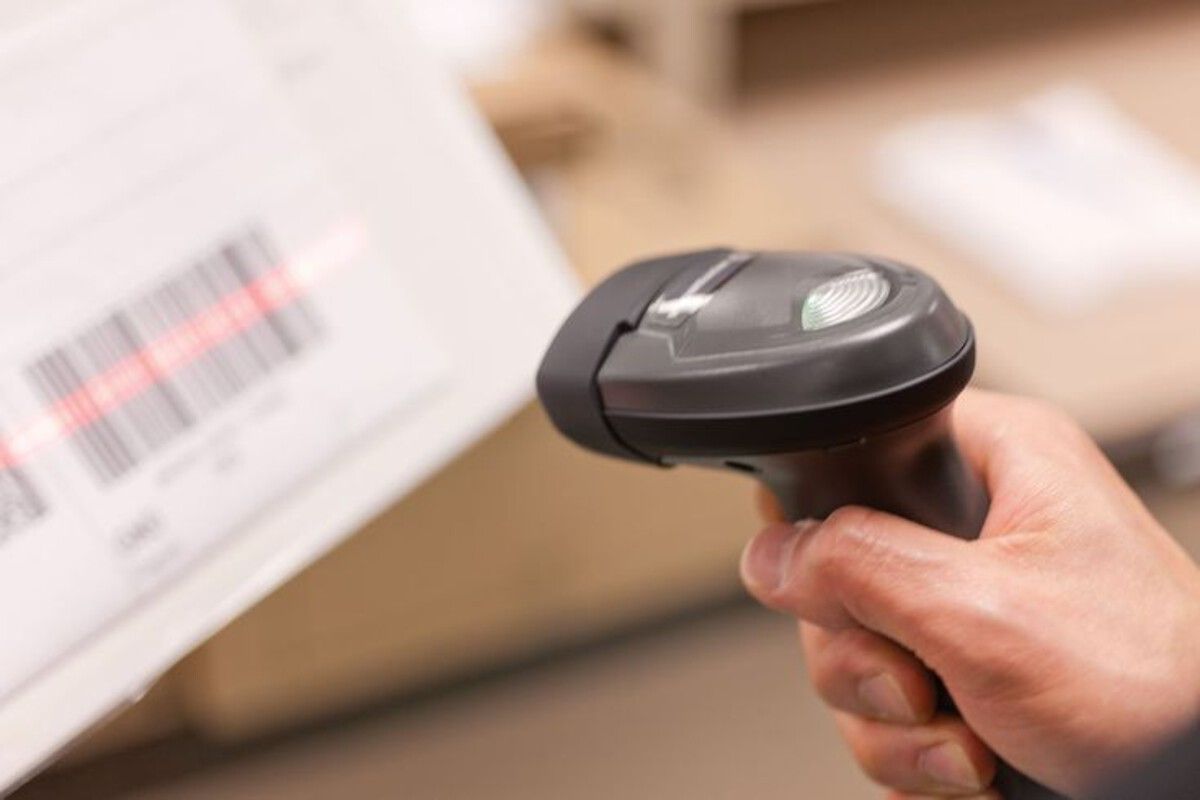
Scanning a barcode label on a box - Source: Pinterest
Who Can Use QR Code Asset Tracking?
QR-based asset tracking can work across different types of organizations because the basic workflow remains the same: identify an asset, connect it to a record, scan it when needed, and update the information.
Corporate offices can use QR labels for laptops, monitors, furniture, and meeting-room equipment. IT teams can track equipment through assignment, return, repair, warranty, and retirement. Factories and warehouses can label machines and tools, while schools, hospitals, retail businesses, and restaurant chains can use the same approach for equipment distributed across multiple rooms or locations.

Employee scanning laptop QR code with smartphone in office - Source: Pinterest
Start with a Simple QR Asset Tracking Workflow
The biggest benefit of an asset tracking QR code isn’t the QR code itself. It is the workflow built around it. When asset data is imported, labels are generated in bulk, and employees can check items directly from their phones, inventory becomes less dependent on manually matching physical equipment against spreadsheets.
Ninecheck brings these steps together in one asset management and inventory workflow: import the Excel list, print QR labels, attach them to assets, scan with a phone, and review the inventory results. If you want to explore QR code tools and other business applications, visit QRCode GEN to see the available solutions.
Scanning a QR asset label with a phone - Source: Pinterest
FAQ About Asset Tracking QR Codes
Does setting up QR asset tracking require any special equipment?
No special hardware is needed on the staff side. Since scanning is done through an ordinary smartphone camera, employees don’t need to purchase dedicated barcode or QR scanners. The main investment is typically limited to a label printer and printable QR stickers suited to the surface of each asset type.
How long does it usually take to get a QR asset tracking system running?
The timeline depends mostly on how much cleanup the existing asset data needs. For businesses with a reasonably organized spreadsheet, importing data and generating labels can be completed within a day or two. Larger organizations with scattered records across multiple files may need more time to consolidate information before the import step.
Is the data stored in a QR asset tracking system secure?
Access to asset records is typically restricted to authorized users, and scanning a label only reveals information tied to that specific asset rather than exposing the full database. Businesses should still follow standard practices such as limiting account permissions and reviewing who has access to update or export records.
Can QR asset tracking work alongside other software the business already uses, such as accounting or procurement tools?
This depends on the specific platform, since not all asset tracking tools offer the same level of integration. In many cases, asset data can be exported in spreadsheet format, which allows it to be cross referenced or manually combined with other systems even without a direct integration.
Conclusion
QR code asset tracking turns a scattered spreadsheet process into a simple scan and check workflow. By importing existing Excel data, printing QR labels in bulk, and letting staff scan assets directly with their phones, businesses can track equipment location, status, and history without constantly cross referencing files. This approach works well for offices, factories, warehouses, schools, and any organization managing a growing number of physical assets. Just be sure to keep asset codes consistent, clean up your data before importing, and test your labels before printing at scale.
Ready to Simplify Your Asset Tracking?
Try Ninecheck now. Import your asset list, generate QR labels in bulk, and run your next inventory check with just a phone, no manual spreadsheet matching required.