QR code creation is no longer a new concept—it’s now widely used for electronic payments, login processes, and instant access to information. QR codes have become familiar tools not only in digital transactions but also in data collection, particularly surveys. Discover how you can simplify data gathering and boost responses by quickly creating a QR code for a Google Form in this article.
1. How to Create a QR Code for Google Forms
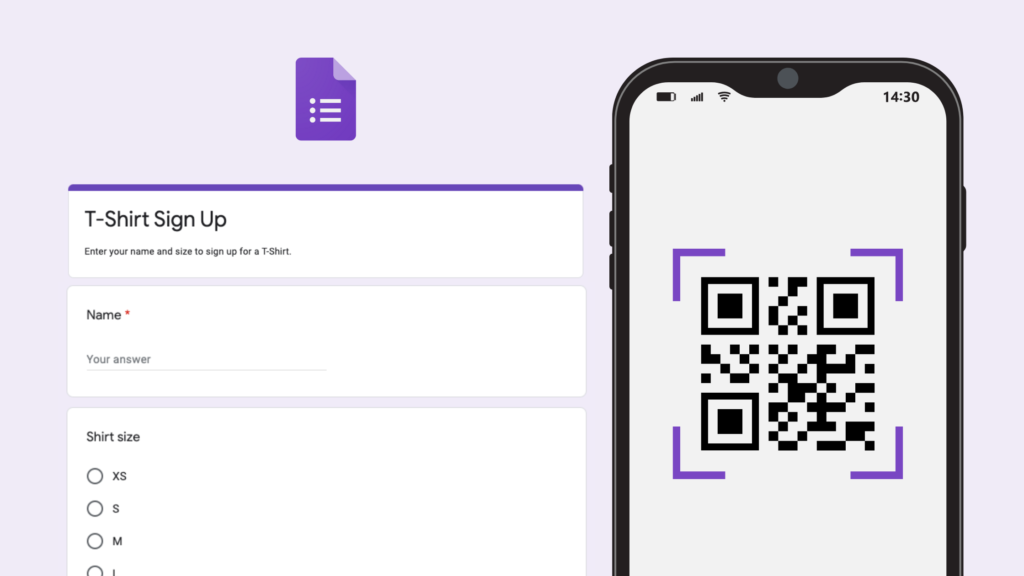
Google Forms is a free, user-friendly tool to create online forms, boosting efficiency in collecting feedback, customer insights, or other information. By scanning a Google Forms QR code, users can access and complete surveys instantly, without manually typing or copying links. This improves accessibility and engagement.
Steps to create a QR Code for Google Forms:
-
Step 1: Create the form
Visit Google Forms, start a new form or use a template, add titles, images, and customize the design and questions. -
Step 2: Copy the link
Click “Send” in the top-right corner, choose the link icon, and copy the form URL. -
Step 3: Generate the QR Code
Go to qrcode-gen.com since Google Forms doesn’t natively support QR generation. Paste your form link into the URL field and click “Generate QR Code.” -
Step 4: Download the QR Code
Choose a file format like PNG (most commonly used), then click “Download” to save the QR Code to your device. -
Step 5: Share the QR Code
You can share it digitally (e.g. on social media, presentations) or physically (e.g. printed flyers, posters). Anyone can scan it with a smartphone to access your Google Form instantly.
2. Benefits of Creating a QR Code for Google Forms
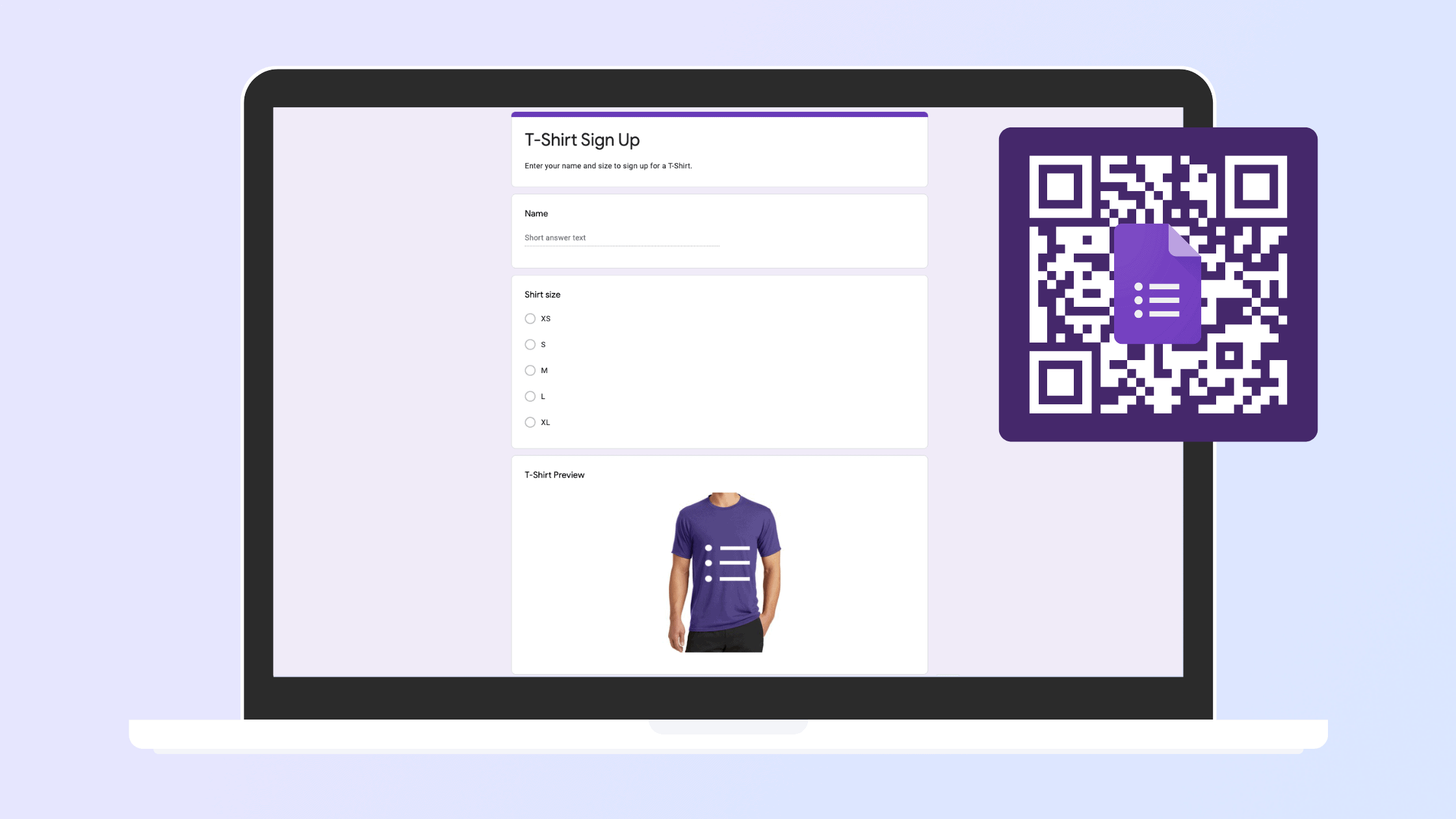
With the increasing use of smartphones, QR scanning is fast, convenient, and ideal for modern data collection:
-
In everyday situations, users can scan a QR Code to open a form easily and quickly, saving time and boosting response rates.
-
For businesses, QR Codes help increase brand visibility and simplify customer feedback or product review collection.
-
At events, collecting information from participants is easy and non-disruptive—just one quick scan.
-
With dynamic QR Codes, you can update the form link without changing the code, avoiding reprinting costs and time waste.
-
QR Code analytics (e.g., scan time, location, device) can help evaluate marketing performance accurately.
In today’s world where QR codes are everywhere, using them with Google Forms can double the efficiency of your data collection efforts. Creating one is fast and simple—just visit qrcode-gen.com for the most user-friendly experience.