Every detail shapes the guest experience, from an in-room dining menu to restaurant and minibar offerings. Whether you run a three-star hotel or a luxury resort, a well-presented menu reflects the standard of service guests can expect.
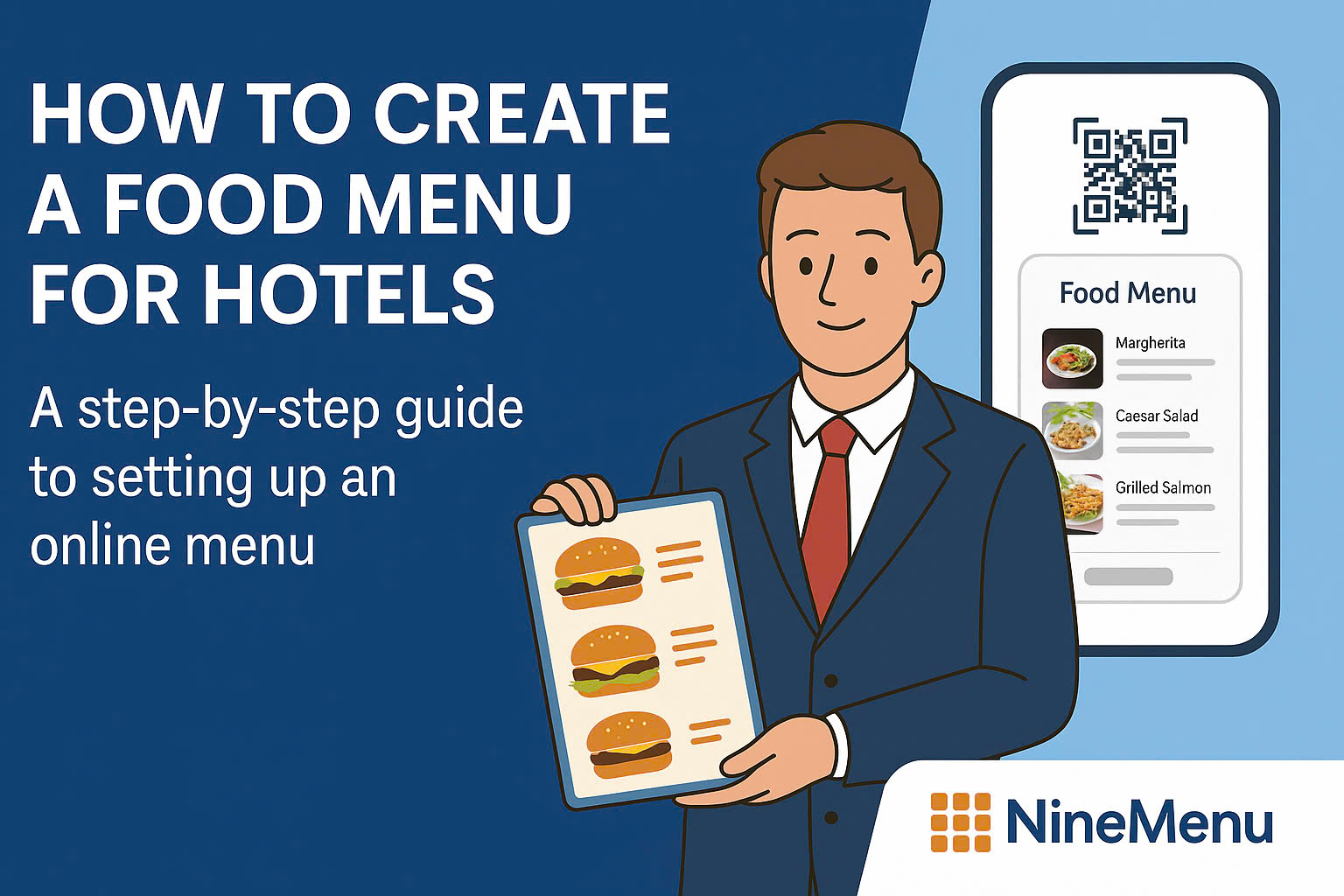
With NineMenu, hotels can create online food menus and share them with guests via QR codes. Menu items and prices can be updated whenever needed, without reprinting physical menus.
Benefits of Online Menus for Hotels
1. Create a More Professional Guest Experience
Hotels depend on professionalism and attention to detail. With an online hotel menu, guests can:
- View the menu with a single QR code scan
- See dish images, clear ingredient descriptions, and prices
- Access the menu from guest rooms, lobbies, pools, or restaurants
This added convenience can make a stronger impression than a traditional paper menu, particularly for international guests who are familiar with contactless technology.
2. Reduce Printing Costs and Update Time
Instead of reprinting menus whenever dishes or prices change, QR menus allow hotels to make updates in just a few steps. This can help you:
- Reduce monthly and annual printing costs
- Save staff time
- Avoid editing errors and printing mistakes
3. Tailor Menus by Location or Time
Hotels often serve guests across several areas, including:
- Main restaurant
- Guest rooms
- Rooftop bar
- Pool or beach area
With online menus, you can create multiple versions, with each QR code assigned to a specific location or time slot. This gives guests a more tailored experience.
4. Offer Multiple Languages for International Guests
NineMenu supports bilingual and multilingual menus, making it easier for international guests to understand dishes and choose what to order. This is especially useful for hotels that welcome many overseas visitors.
NineMenu: A Simple Online Menu Tool for Hotels
NineMenu is online menu software that helps businesses digitize their menus quickly, with no technical knowledge required.
It is suitable for eateries, restaurants, hotels, resorts, and serviced apartments that need a convenient, professional way to manage menus.
Key NineMenu features include:
- Create online menus for free with unlimited dishes
- Organize dish categories by area, such as minibar, restaurant, and room service
- Generate QR codes that can be placed in rooms, on dining tables, in elevators, and more
- Use a minimalist interface that works easily across devices
- Automatically update menus when dishes, prices, or images change
How to Create a Hotel Food Menu with NineMenu
Step 1: Access NineMenu
Visit https://nineqr.com/.
NineMenu runs in a web browser, so there is no app to download.
Step 2: Create Dish Categories
Organize dishes into separate categories, such as:
- Restaurant
- Room Service
- Minibar
- Breakfast
- Drinks
Clear categories make it easier for guests to find what they want.
Step 3: Add Dishes
For each dish, enter:
- Dish name, with an English version if needed
- Price
- Image, which is particularly important in hospitality
- Description, kept concise and appealing, with ingredients clearly stated where appropriate
You can update dishes at any time without reprinting the entire menu.
Step 4: Generate and Download the QR Code
Once your menu is complete, the app automatically generates a QR code for it.
You can then:
- Print the QR code and place it on dining tables, in elevators, or in guest rooms
- Display the QR code on in-room smart TV screens
- Send the online menu link by email as part of room confirmation
Step 5: Update and Manage the Menu
When you need to add dishes, change prices, or revise categories, simply return to the app and edit the menu. The QR code updates automatically, so there is no need to replace it.
Tips for Optimizing Your Hotel Food Menu
Use High-Quality Images
A menu with clear, attractive images is more engaging than a text-only menu.
Highlight Signature Dishes
Create a “Chef’s Recommendation” or “Best Seller” section to draw attention to standout dishes and encourage orders.
Support Multiple Languages
Depending on the number of international guests you serve, add English dish descriptions to help overseas visitors understand the menu more easily.
Place QR Codes at Multiple Touchpoints
Use QR codes not only in the restaurant, but also in guest rooms, at reception desks, by pools, and in elevators to make the menu accessible throughout the property.
Ready to Digitize Your Hotel Menu?
Moving from paper menus to online menus can reduce printing costs, simplify menu updates, and present a more modern, professional image to guests.
NineMenu is a simple, free option for hotels of all sizes, from small hotels to luxury resorts.
Get started by visiting https://nineqr.com/.
Create a modern, flexible menu that suits your hotel.