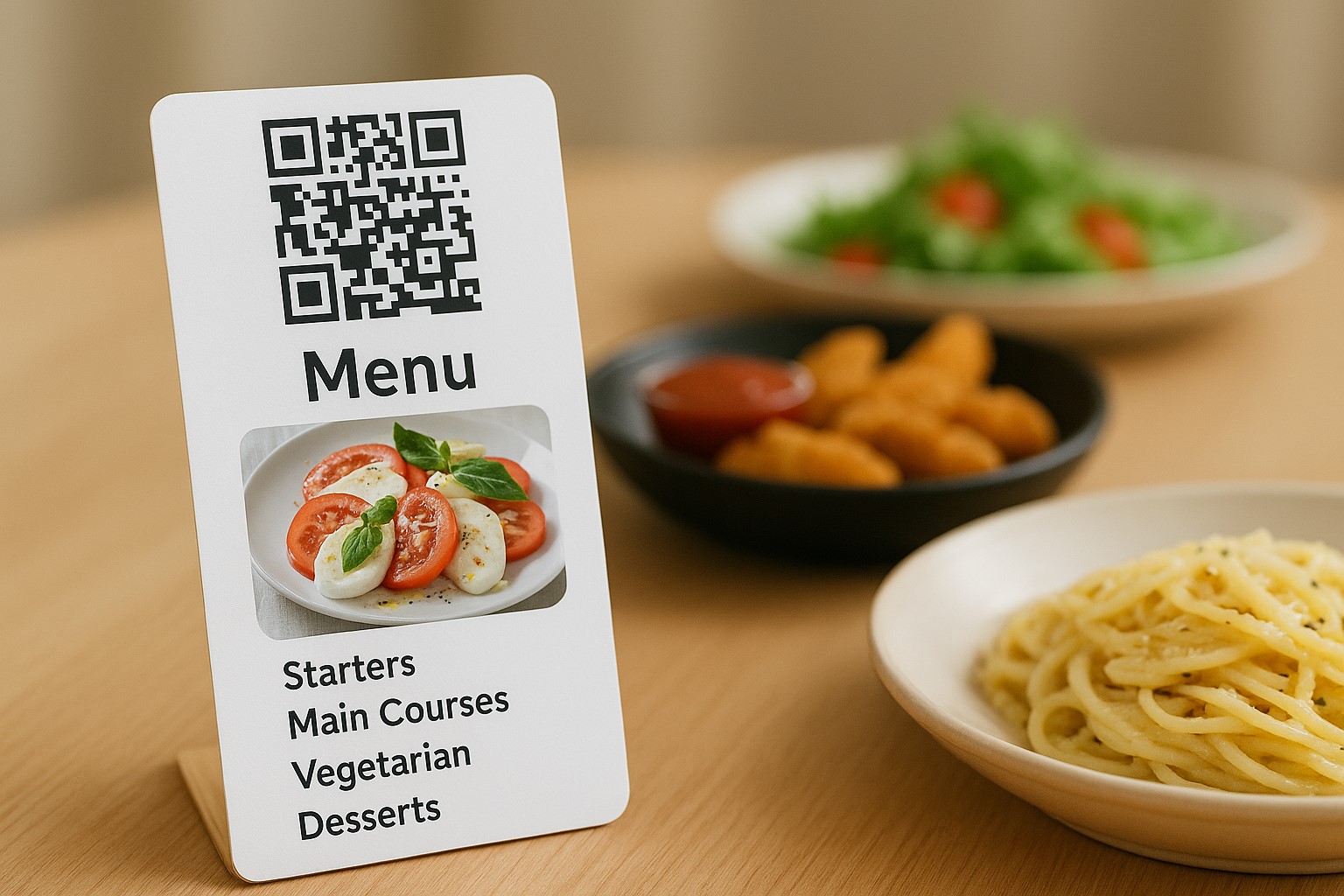
A clear menu not only helps customers easily choose dishes but also enables the restaurant to serve faster and avoid mistakes. Especially when using a QR code menu, scientifically grouping dishes such as Appetizers – Main Courses – Drinks – Desserts, etc., creates an intuitive experience and saves time for both customers and staff.
In this article, we will explore how to effectively organize dish groups in a QR menu using free tools like Nine Menu, thereby optimizing user experience and improving operational efficiency for small and medium-sized eateries.
Why is it important to clearly group dishes in a QR menu?
1. Easy for customers to find and order dishes
A long menu without categorization can overwhelm customers, making it hard to choose and leading to missed items or repeated questions. When logically grouped, customers can quickly find the dishes they want.
2. Suits mobile reading habits
Unlike paper menus, QR menus are usually displayed on small screens. Grouping helps reduce scrolling, saves time, and enhances the experience.
3. Increases upsell opportunities
If "Side Dishes" or "Popular Drinks" groups are placed after the main courses, customers tend to add more items before checkout. This is an opportunity to boost revenue without advertising.
4. Helps staff manage orders more easily
Grouped menus help kitchen and service staff process orders more accurately, with fewer mistakes and more efficient ingredient management.
How to effectively group dishes with Nine Menu
Step 1: Access Nine Menu
Go to https://nineqr.com → Log in or create an account.
Step 2: Create a new menu or edit an existing one
Click “Create menu” → Name your menu → Click “Start editing”. Or select an existing menu to update.
Step 3: Add dish groups
In the menu interface, select “Add group” → Enter the group name (e.g., Appetizers, Main Courses, Desserts, Drinks, etc.). You can add as many groups as you like.
Step 4: Add dishes to each group
In each group, click “Add new dish” → Enter the name, price, description, and image.
You can easily drag and drop to change the position of dishes or groups.
Step 5: Preview and save the menu
After finishing, click “Preview” to check the layout. If satisfied, click “Save” and generate a QR code to share.
Suggested popular dish groups for small and medium-sized eateries
1. Appetizers
-
Spring rolls, fried rolls, salad, soup
2. Main Courses
-
Pho, beef noodle soup, grilled pork rice, stir-fried noodles, tofu with shrimp paste noodles
3. Vegetarian
-
Vegetarian fried rice, vegetarian salad, stir-fried vegetables, tofu
4. Side Dishes
-
Fried eggs, boiled vegetables, pickles, special fish sauce
5. Drinks
-
Sugarcane juice, iced tea, milk coffee, bottled water
6. Desserts
-
Sweet soup, jelly, flan, fresh fruit
7. Combo / Set menu
-
Single combo, double combo, family combo
8. New Dishes / Promotions (Optional)
-
For promotional or newly launched dishes
Tips for presenting dish groups clearly and attractively
1. Arrange groups in serving order
From appetizers → main courses → vegetarian → drinks → desserts
2. Add light icons or emojis
For example: 🥗 Appetizers, 🍜 Main Courses, 🧃 Drinks, 🌱 Vegetarian, etc.
3. Use short, easy-to-understand group names
Avoid using overly elaborate terms like “Countryside Cuisine” or “Signature Dishes” if customers are unfamiliar.
4. If bilingual, include English in group names
For example: Vegetarian – Vegetarian, Drinks – Beverages
5. Optimize group order based on best-selling dishes
Place the group with the best-selling dishes at the top (e.g., Main Courses, Snacks)
Long-term benefits of grouping dishes in a QR menu
-
Increase dish selection rate: customers choose more easily → order more dishes
-
Reduce serving time: staff don’t need to explain much
-
Reduce mistakes in preparation: easy to cross-check by group
-
Enhance customer experience: neat, clear, modern
-
Professionalize your brand: intuitive, structured menu like major restaurants
A QR menu not only helps your restaurant save printing costs but also brings a modern experience to customers. However, to make the most of this tool, you need to know how to logically group dishes. A clear, coherent menu helps customers order quickly, reduces pressure on staff, and increases upsell opportunities.
Start editing your menu today at https://nineqr.com to create a smoother and more professional ordering experience than ever before.