QR Code Marketing Strategy: 7 Mistakes That Can Hurt Conversion Rates
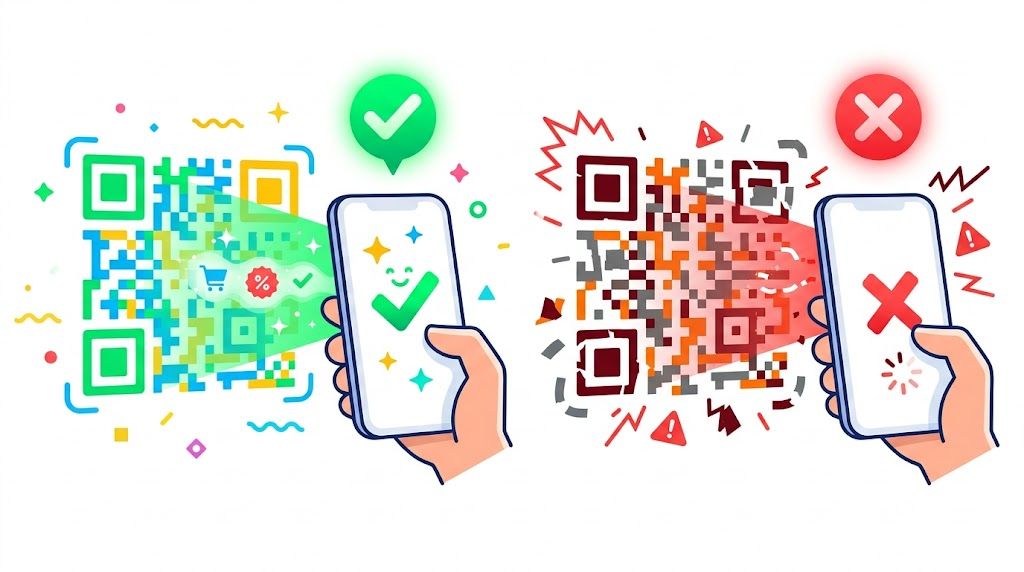
QR codes can connect a physical touchpoint with a digital experience in seconds—but only when the experience works as expected. Many campaigns underperform not because of the technology, but because of weak execution and limited quality control. A code that will not scan or leads somewhere irrelevant does more than cost a lead; it can undermine trust in your brand. Build your campaign around a smooth user experience, not simply generating a code.
1. Overlooking scannability and technical friction
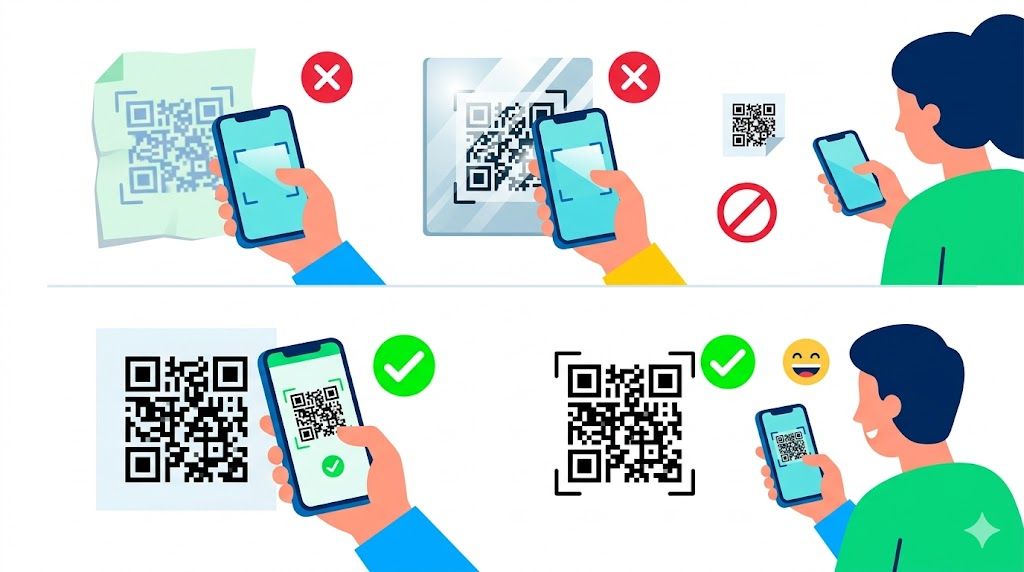
Technical friction is one of the most common reasons QR campaigns fail. If people struggle to get their camera to recognize the code, they are likely to give up within seconds. High-resolution files are essential: blurry or pixelated codes can be difficult for smartphone cameras to detect.
Color contrast matters too. Brand colors may look appealing, but insufficient contrast between the foreground and background can make a code unreadable. Size is equally important. A code that is too small on a billboard or crowded product label may not scan from the intended distance. Prioritize clarity over visual flair so the code works on the first try.
2. Creating a context gap with irrelevant destinations
A QR code creates an expectation of specific information. Linking a code on a product package to a generic corporate homepage is a common mistake. That mismatch creates a context gap, frustrates the user, and can interrupt the conversion journey.
The destination should match the physical setting. A code on a restaurant table should lead to a mobile-friendly menu or payment page. A code on a real estate sign should open the listing for that property. Map the journey from the physical touchpoint to a relevant digital destination to support high-intent engagement.
3. Adding too much content to text-based codes
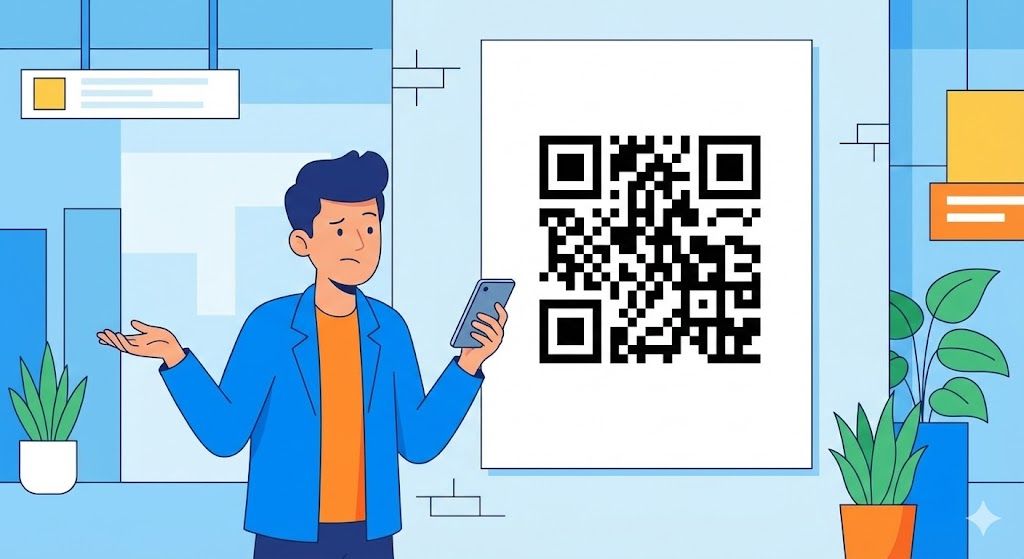
QR codes can store plain text, but packing too much information into one code is a frequent mistake. More embedded data creates a denser, more complex pattern, which can make the code harder for cameras to decode.
Keep the content concise for a better mobile experience. If you need to share more information, use a URL QR code that sends users to a dedicated, mobile-friendly landing page. This keeps the pattern simpler and easier to scan while allowing the destination content to be updated without replacing the printed code.
4. Leaving out a clear call to action
A QR code without instructions leaves users guessing. People are more likely to scan when they understand what they will receive in return. Include a clear, benefit-focused call to action next to the code.
Use direct prompts such as “Scan to Join Wi-Fi,” “Scan for 20% Off Your Next Order,” or “Scan to View the Digital Menu.” A specific incentive reduces hesitation and can increase scan-through rates.
5. Choosing aesthetics over functionality
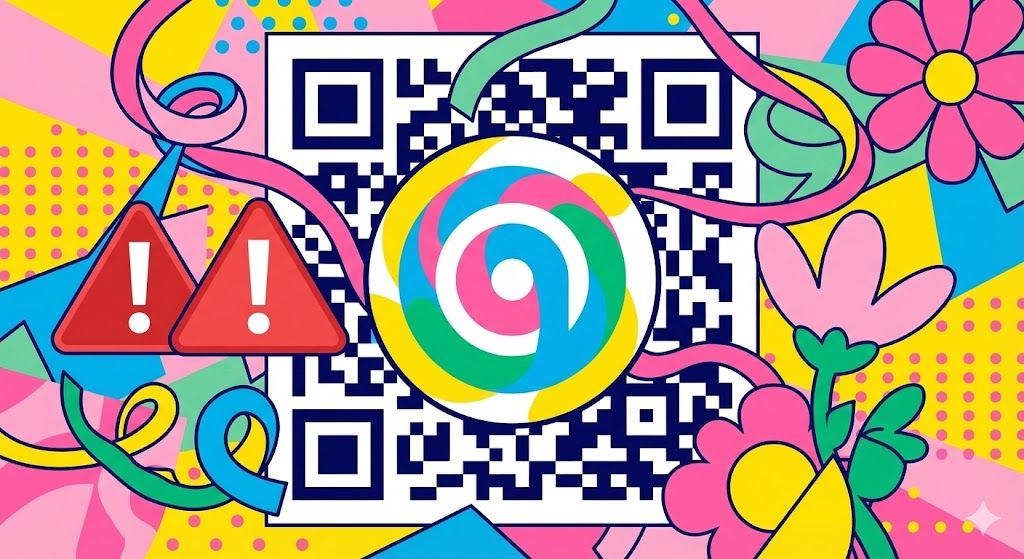
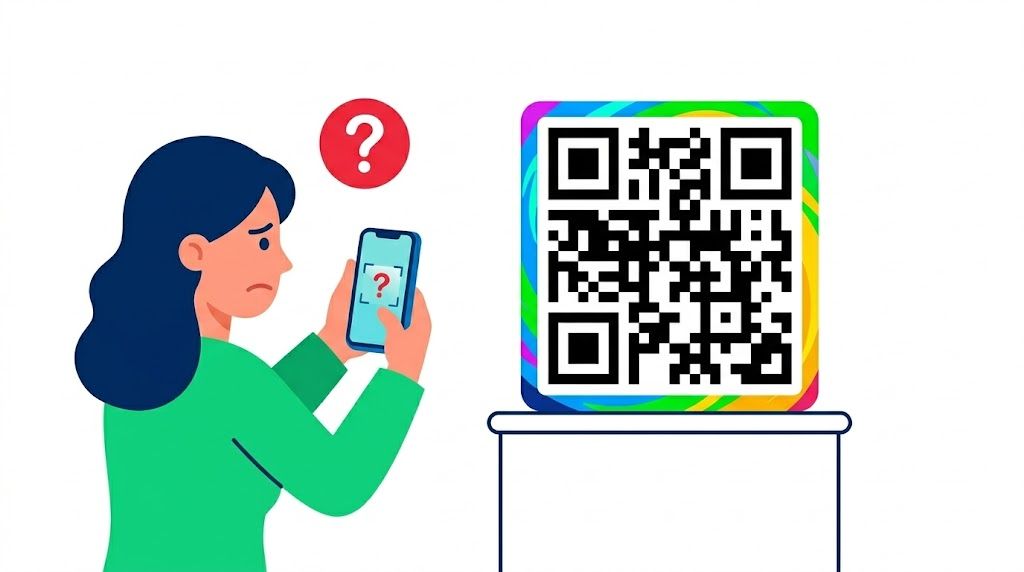
Branded QR codes can support visual consistency, but excessive customization can make them fail. Common issues include logos that are too large and block data modules, as well as busy background patterns that confuse scanners.
When creating a custom QR design, follow the 30% rule: your logo or design element should not cover more than 30% of the code area. Keep a clear quiet zone—the white border—around the edges as well. A visually striking code has no value if it cannot be scanned.

6. Skipping pre-launch testing
Printing thousands of brochures or product labels with a broken QR code is one of the costliest marketing mistakes. A typo in the URL or a design issue can turn a large print run into wasted material if the code was never tested.
Before sending anything to print, test the code on multiple iOS and Android devices and under different lighting conditions. Check the intended scan distance and confirm that the landing page loads correctly on mobile. This basic quality-assurance step can protect both your budget and your brand reputation.
7. Relying on low-quality generation tools
Your QR code’s reliability depends heavily on the platform used to create it. Some free generators produce low-quality files or use hidden redirects that may stop working over time. Professional marketing and business use calls for high-resolution downloads, multiple QR formats such as URL, Wi-Fi, and vCard, and reliable customization options.
QRCode GEN provides a practical, user-friendly option for creating high-quality, customized QR codes for uses ranging from digital menus to business cards. The right tool helps ensure that your codes remain professional and scannable.
QR codes can support a more seamless customer experience when they are easy to scan, relevant to the moment, and clearly explained. Avoid these common mistakes to make every physical-to-digital interaction more useful for your audience.