You are running a coffee shop or a small eatery and want to design a beautiful menu – but you don’t have a designer and don’t know how to use Photoshop or Canva? Don’t worry! This article will help you choose 5 simple and effective menu layouts that are easy to apply on QR menu platforms like Nine Menu, making your menu look more professional even when you create it on your phone.
Why is menu layout important?
1. Helps customers easily view and order
A cluttered menu with too many items listed can confuse customers and cause them to miss out on attractive dishes.
2. Creates a professional and trustworthy impression
Even a small shop with a clearly presented menu will leave a good impression on customers.
3. Increases upselling opportunities
A logical layout makes it easier for customers to spot special or best-selling items, encouraging them to order more.
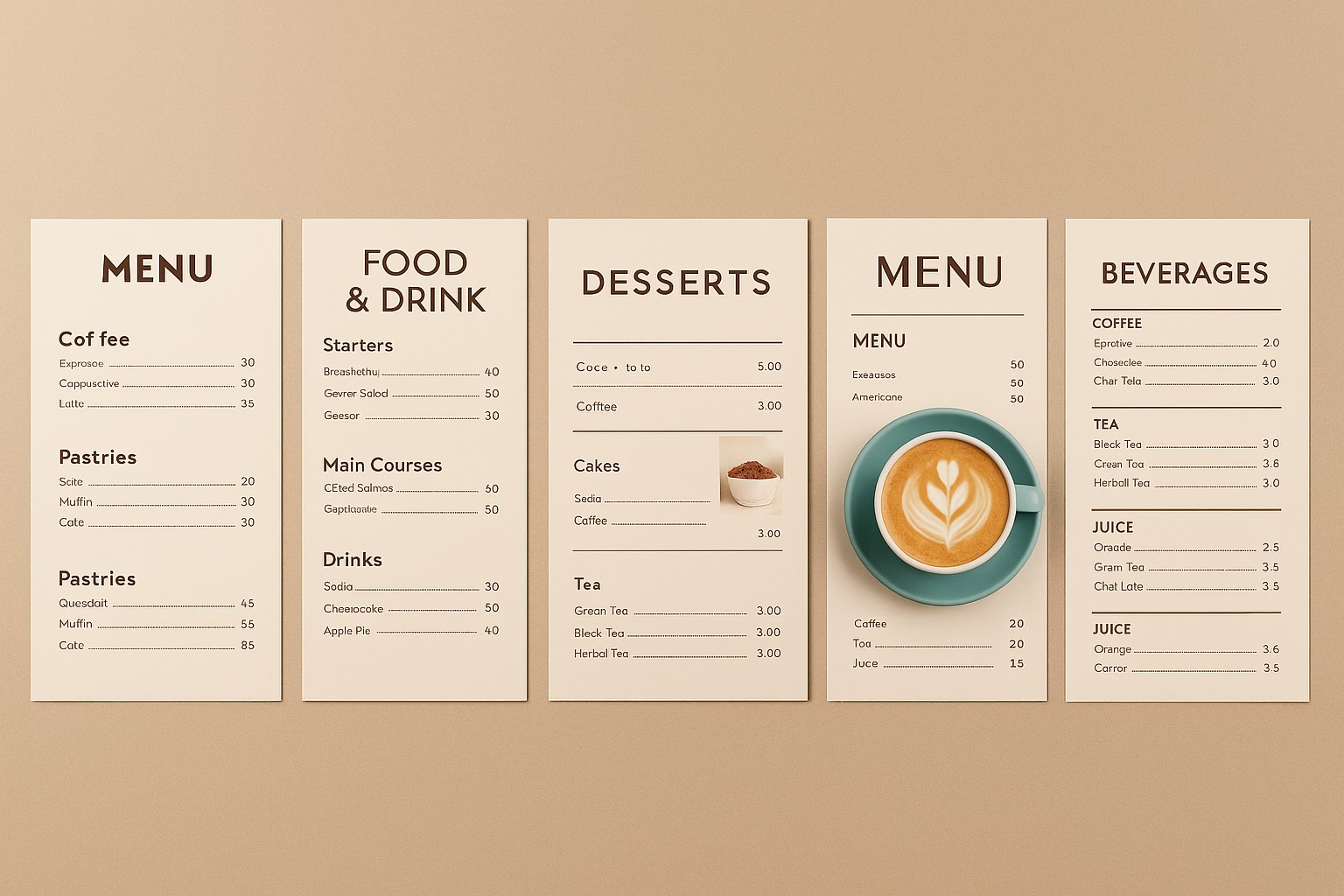
5 simple, easy-to-create, and highly effective menu layouts
1. Traditional group-based layout
Best for: Coffee shops or eateries with various groups of dishes.
How to present:
-
Divide the menu into clear groups: Coffee – Tea – Smoothies – Snacks – Pastries, etc.
-
Each group should have a clear title, with an icon for easy recognition.
Tip: Place the group with the best-selling items at the top. Keep group names short and easy to understand.
2. Top list layout – highlight best-sellers
Best for: Shops with a few signature dishes, wanting to guide customer choices.
How to present:
-
The first group is “Featured Items” or “Most Ordered”
-
Below that, divide into other traditional groups
Benefits: Increases the rate of customers ordering the items you want to sell. Helps new customers choose faster.
3. Combo layout – quick and easy choices
Best for: Shops serving lunch, takeaway drinks, or customers with little time to choose.
How to present:
-
First group: “Value Combos” – list available sets A, B, C
-
Below are individual items for customers who want to choose separately
Tip: Placing combos at the top helps increase revenue and shortens ordering time.
4. Layout by size/price
Best for: Bubble tea shops, coffee shops with multiple sizes or flexible pricing.
How to present:
-
List each item with available sizes (S/M/L) and prices
-
Or divide the menu into three groups: Items under 25k, 25k–40k, over 40k
Benefits: Customers can easily choose items that fit their budget and desired portion size.
5. Minimal style layout – simple and elegant
Best for: Coffee or iced tea shops with a gentle aesthetic, wanting a beautiful, concise, and easy-to-read menu.
How to present:
-
Display only the item name + price (no description needed)
-
Use beautiful, consistent images, aligned evenly
-
Leave enough space between items for easy scanning
Note: This menu style should be accompanied by high-quality images or illustrative icons.
Tips for arranging menu layouts for small shops
1. Place signature items at the top or center – the most visible positions
2. Don’t list more than 10 items in one group – split into smaller groups for easier reading
3. Keep item names short, use simple descriptions or suggestive icons (🔥 best-seller, 🌱 vegetarian, etc.)
4. Test your QR menu before printing – check if it’s easy to read on a phone
Use Nine Menu to apply layouts more easily
The https://nineqr.com platform allows you to:
-
Create item groups → arrange them in any order you like
-
Drag and drop to change the position of items or groups
-
Easily add icons and illustrative images right on your phone
-
Preview and edit your menu anytime
You don’t need a computer or a designer – just your phone is enough!
Even if your shop is small and you don’t have a designer, you can still create a beautiful, professional menu by choosing the right layout. The 5 layouts in this article can all be quickly applied on the Nine Menu platform, helping you upgrade the ordering experience from the very first time a customer scans your QR code.
Try it now at: https://nineqr.com – 100% free, no design skills required.