When you need to collect feedback, customer insights, or other information, a QR code can make your Google Form easier to access. Instead of typing or copying a link, people can scan the code with their phone and open the form immediately.
1. How to Create a QR Code for Google Forms
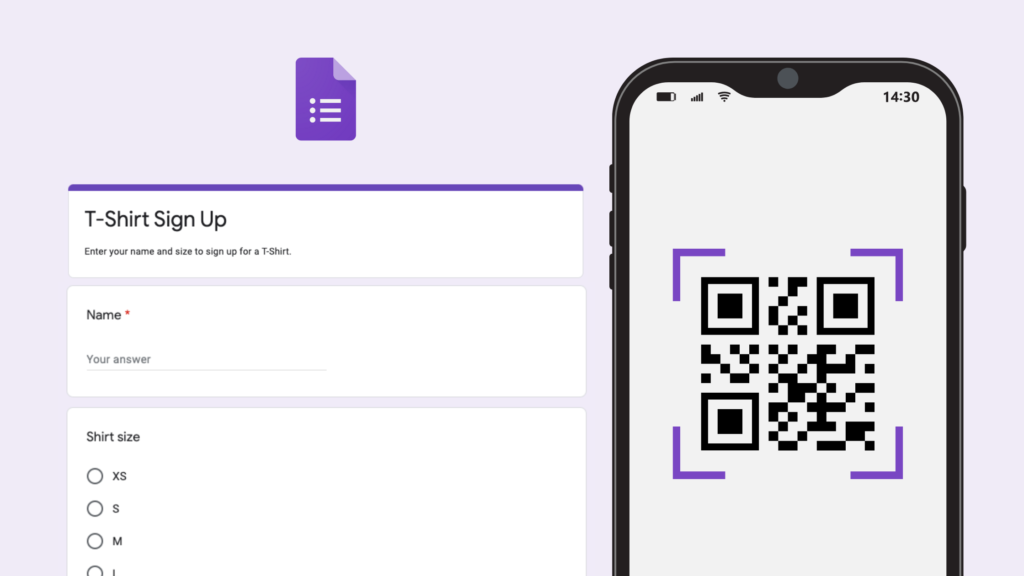
Google Forms is a free, easy-to-use tool for creating online forms. It can help you collect feedback, customer insights, and other responses more efficiently. A QR code gives respondents a direct way to open and complete your survey, improving accessibility and engagement.
Steps to create a QR code for Google Forms
-
Step 1: Create your form
Go to Google Forms, create a new form or choose a template, then add your title, images, questions, and design details. -
Step 2: Copy the form link
Select “Send” in the upper-right corner, choose the link icon, and copy the form URL. -
Step 3: Generate the QR code
Because Google Forms does not include a built-in QR code generator, use a Google Forms QR code tool. Paste your form link into the URL field and select “Generate QR Code.” -
Step 4: Download the QR code
Choose a file format, such as PNG, which is commonly used, then select “Download” to save the QR code to your device. -
Step 5: Share the QR code
Share it digitally on social media or in presentations, or print it on flyers and posters. Anyone with a smartphone can scan the code to open your Google Form instantly.
2. Benefits of Creating a QR Code for Google Forms
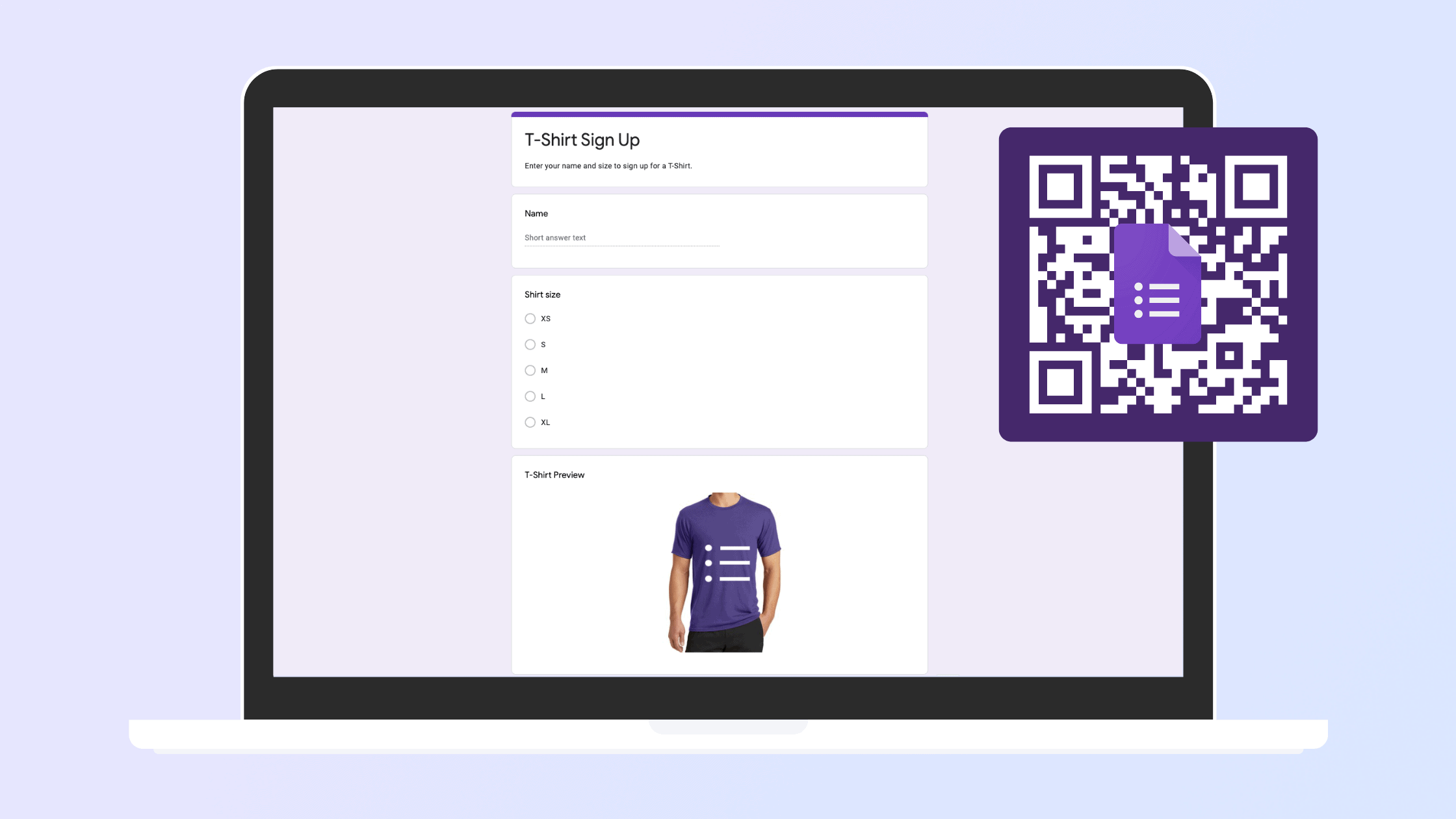
As smartphone use continues to grow, QR codes offer a fast, convenient way to collect information:
-
In everyday situations: People can scan the code to open a form quickly and easily, saving time and encouraging more responses.
-
For businesses: QR codes can increase brand visibility while making it easier to collect customer feedback and product reviews.
-
At events: Participants can provide information with a quick scan, without disrupting the event experience.
-
With dynamic QR codes: You can update the form link without replacing the code, helping avoid the time and cost of reprinting materials.
-
With QR code analytics: Data such as scan time, location, and device can help you evaluate marketing performance more accurately.
QR codes are now widely used for electronic payments, login processes, and instant access to information. Pairing them with Google Forms makes data collection faster and simpler, whether you are gathering feedback, survey responses, or event details.