QR codes can connect offline marketing with online customer engagement while providing measurable results, lower costs, and more opportunities for interaction. Yet many businesses add QR codes to their campaigns without achieving the results they expected—and sometimes without collecting any data at all.
The issue is rarely the QR code itself. More often, it comes down to basic implementation mistakes. Below are five common QR code marketing mistakes, why they matter, and how to avoid them.
1. Placing QR Codes Where People Cannot Easily Scan Them
Brands often place QR codes in locations that are impractical or difficult to access, including:
Highway billboards, where drivers cannot safely stop to scan.
Obscure areas of posters or product packaging.
Positions that are too high or too low for a comfortable scan.
A QR code needs to be scanned with a smartphone camera. If it is inconvenient to reach or scan, customers are unlikely to use it.
Consequences
Missed opportunities to engage potential customers.
Little to no scan data, wasting printing and production budgets.
Frustrated customers and a negative impression of the brand.
How to Fix It
Place QR codes at eye level or in other easy-to-reach locations.
Use appropriate surfaces, such as café tables, menus, checkout counters, event displays, supermarket stands, or bus stops.
Avoid highway billboards and other locations where people cannot stop to scan.
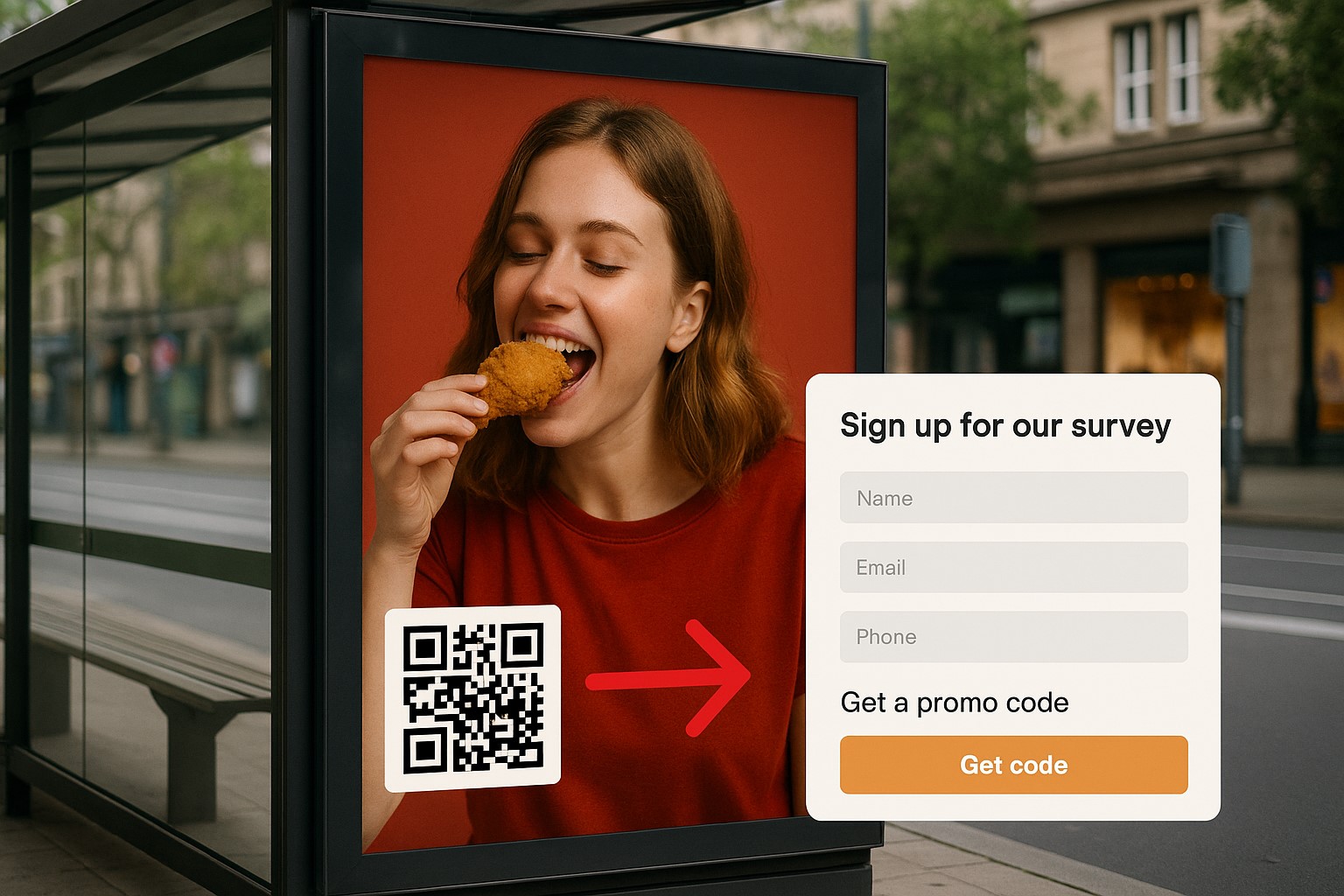
2. Using No Clear Call to Action
Printing a QR code without a clear call to action is a common mistake. If people do not know what they will receive or what to do next, they are likely to ignore it.
For example:
A QR code appears with only a logo or barely visible text.
There is no indication whether scanning unlocks a voucher, a mini-game, or downloadable material.
Consequences
Low scan rates because there is no clear reason to scan.
Lower campaign engagement.
Wasted opportunities to connect with potential customers.
How to Fix It
Always include a specific call to action, such as:
“Scan to get a 10% voucher”
“Scan to join the mini-game”
“Scan to download a free ebook”Use illustrations or arrows that direct attention to the QR code.
3. Sending Users to an Unfriendly or Broken Landing Page
Many QR code campaigns send users to:
Websites that are not mobile-optimized, with poor layouts and tiny text.
Slow pages or pages that return a 404 error.
Broken links caused by poor management.
These issues interrupt the customer experience and can undermine trust in your brand. When directing people to a landing page, a website QR code gives them a direct path from the printed code to the intended destination.
Consequences
Customers leave immediately, increasing bounce rates.
Lost opportunities to convert potential customers.
Damage to brand reputation, as customers may perceive the business as unprofessional.
How to Fix It
Test every QR code link thoroughly before launching the campaign.
Use landing pages that are simple, readable, fast-loading, and optimized for mobile devices.
Include clear action buttons, such as “Buy Now,” “Sign Up,” or “Get Offer.”
Use a reliable QR code platform that supports flexible link management and quick updates when needed.
4. Making QR Codes Too Small or Printing Them Poorly
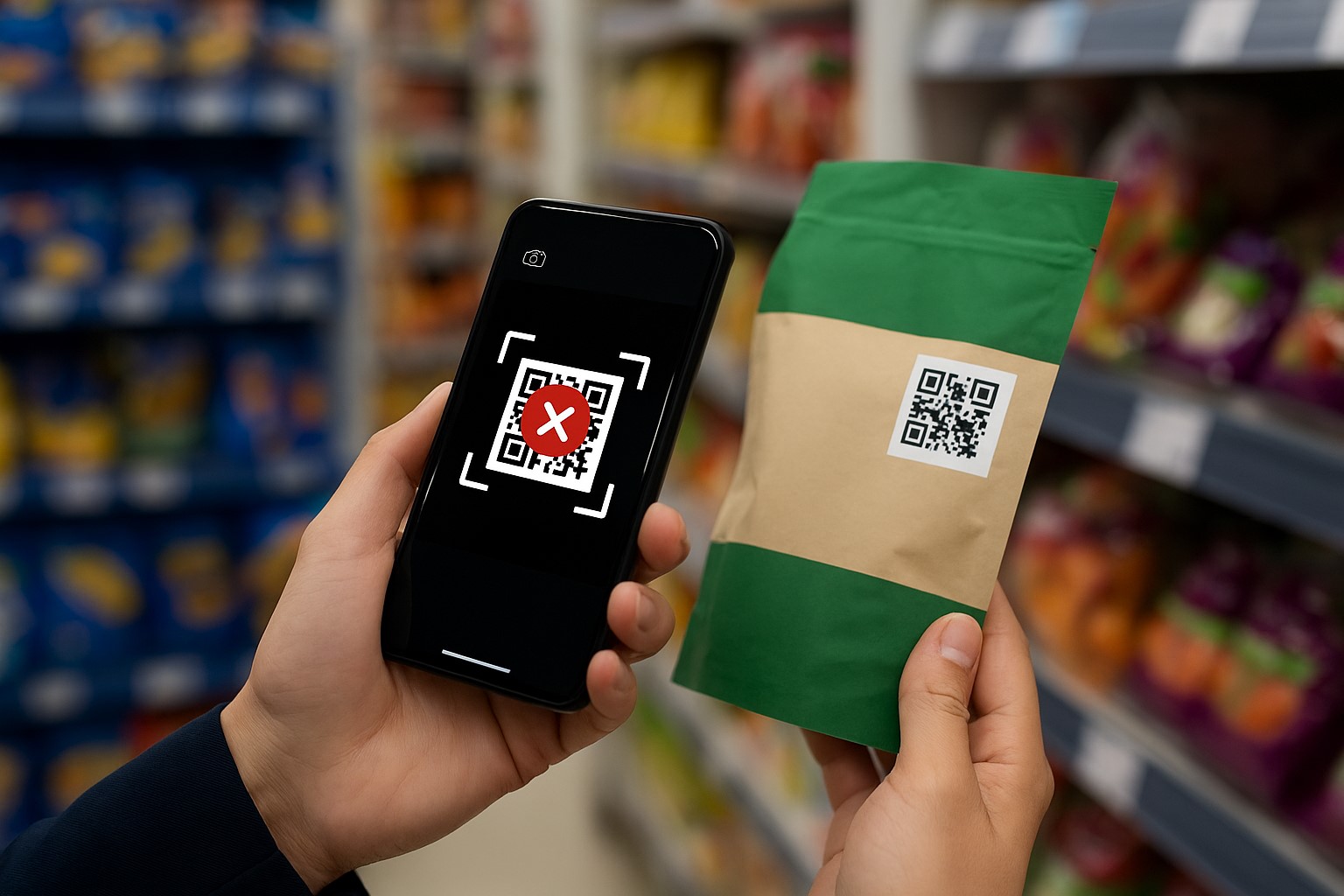
QR codes that are too small or printed at low quality may be impossible for smartphone cameras to read. Placing them over busy backgrounds can also make them harder to scan.
Consequences
Users cannot scan the code and miss the intended experience.
Users become frustrated and lose interest.
The entire QR code marketing campaign loses its purpose.
How to Fix It
Make the code large enough: at least 2 × 2 cm in print, or follow the 10:1 rule, where the QR code width is one-tenth of the scanning distance.
Use high contrast: a light background with a black or dark QR code.
Test scanability before mass printing.
Use high-resolution PNG or SVG files for print materials.
5. Failing to Measure and Optimize Campaign Performance
Many businesses print QR codes without connecting them to analytics tools, leaving them unable to answer key questions:
How many scans did the code receive?
When and where was it scanned?
Are scans coming from the target audience?
What is the conversion rate after a scan?
Without data, there is no reliable way to improve a QR code marketing campaign. A dynamic QR code can help when you need to update a destination after printing and analyze scan activity.
Consequences
Wasted budget.
No clear insight into how future campaigns can improve.
Missed opportunities to improve the user experience.
How to Fix It
Use QR code platforms with built-in analytics for scans, time, location, and device type.
Connect QR codes with tracking tools such as Google Analytics and UTM parameters to monitor user behavior.
Use the data to refine QR code placement, calls to action, and landing page content.
QR codes are a valuable marketing tool, but they only work when they are implemented well. Poor placement, vague calls to action, weak landing pages, unscannable codes, and a lack of measurement can derail a campaign, waste budget, and cost you potential customers.
Before launching, review your campaign to make sure it includes:
Convenient, easy-to-scan placement.
A clear call to action.
A fast, mobile-optimized landing page.
QR codes that are large enough and easy to recognize.
A solid system for measurement and ongoing optimization.
When these elements are in place, QR codes can connect businesses with customers, support engagement, improve conversions, and create a better customer experience throughout a marketing campaign.